BKS630E
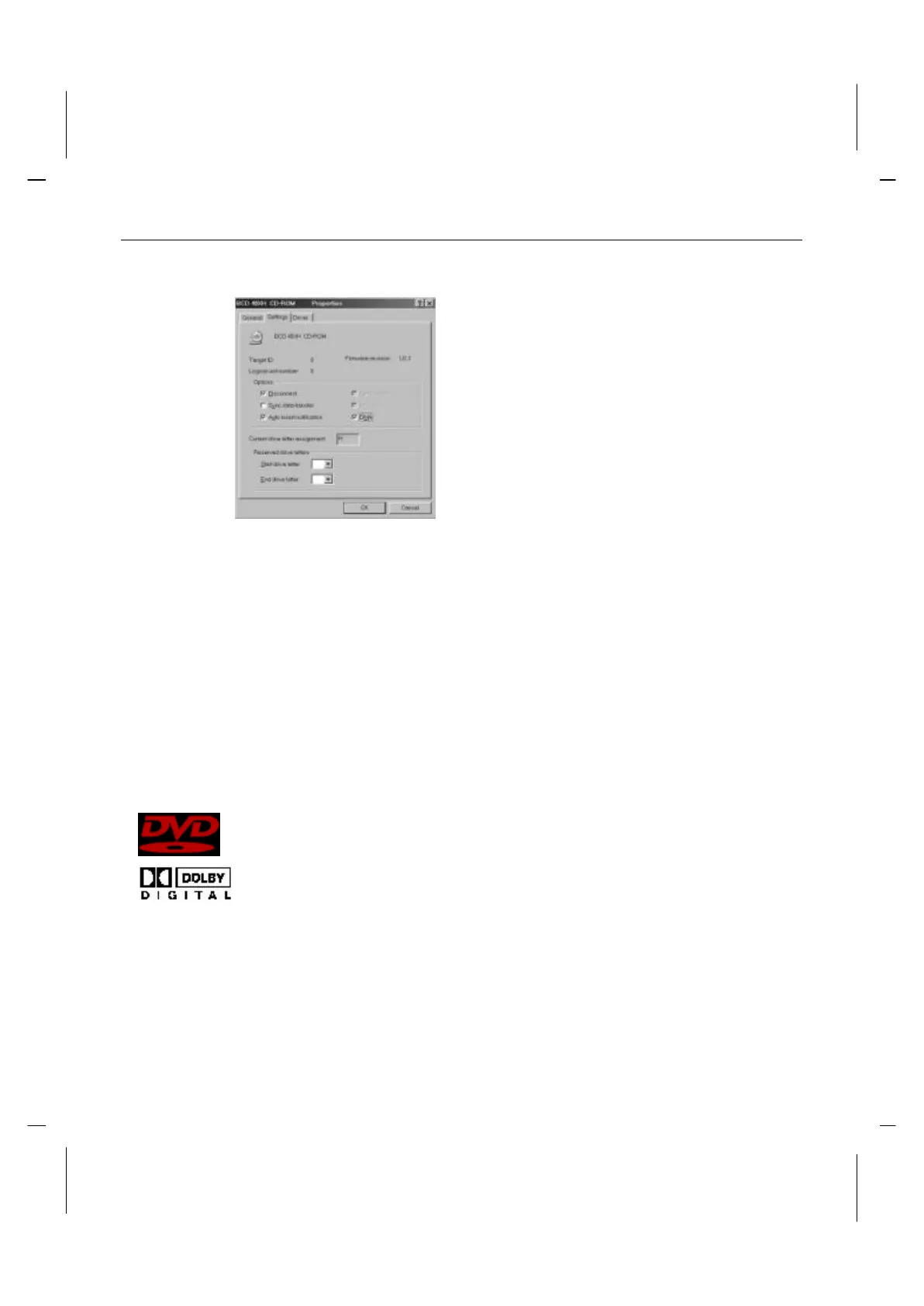
6. Click on the Settings tab to bring it to the front.
7. Click on the check box for DMA under Options. A check should appear in the box.
8. Click OK button to accept the new setting. And the system will be restart.
Confidential Unpublished Works
Copyright 1992-1997 Dolby Laboratories, Inc. All rights reserved.
"DVD" and the DVD logo are copyright The DVD
Forum.
This product includes technology manufactured
under license from Dolby Laboratories. "Dolby" and
the "Double-D" symbol are trademarks of Dolby
Laboratories.



 To Previous Page