AMROAD VP115
EDIT NAME AND PHONE NUMBER
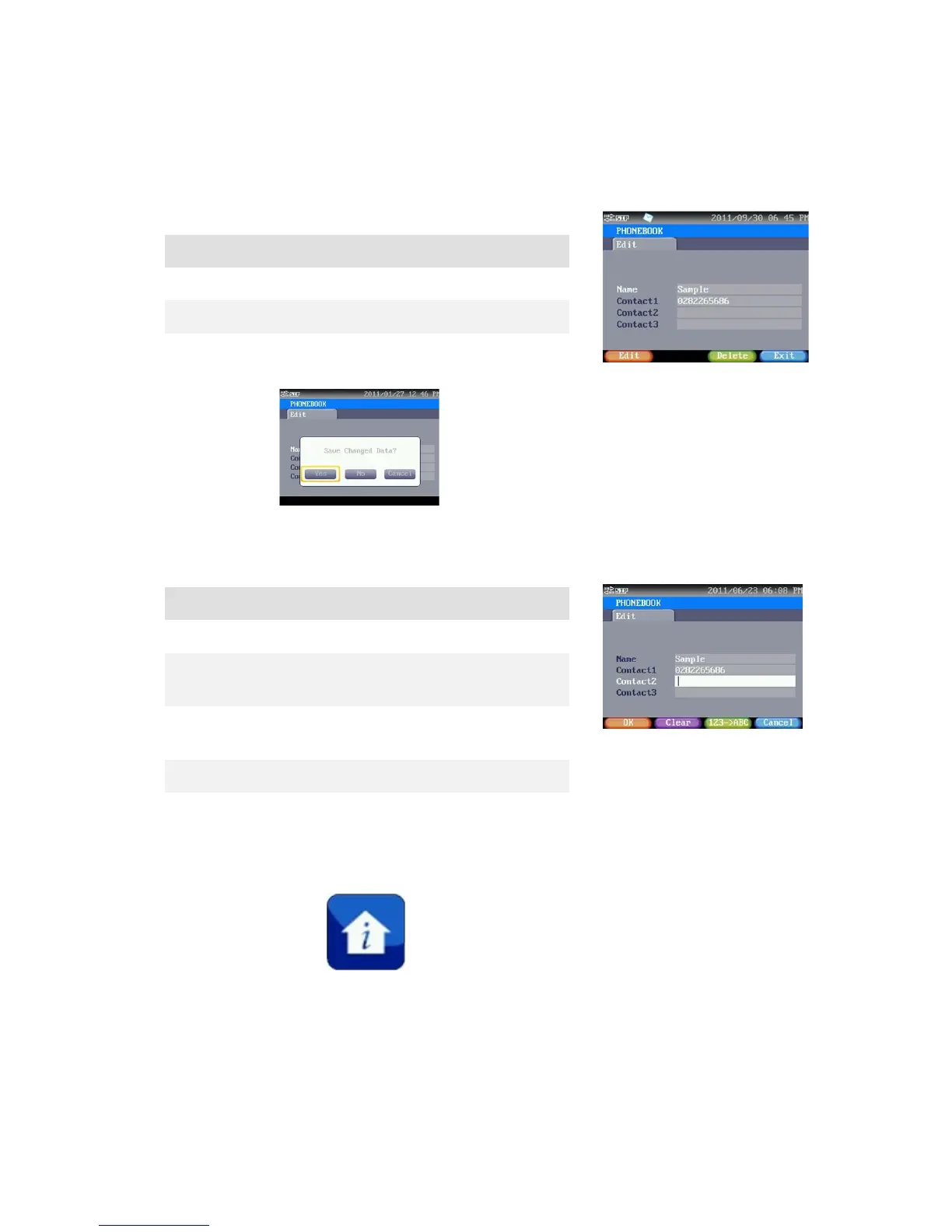
Edit Contacts.
Edit Contact’s name and phone.
Exit Ask for saving, and go back to pervious
page.
Press[Edit], shown as right side.
Clear Press this button to cancel last inputted
123ABC Press this button to switch input method
between characters and numbers.
Press this button to back to last screen.
Press this button to save current setting.
NOTICES
You may press the Keypad (Shortcut key) 4 directly to enter NOTICES.
COMMUNITY NOTICES, PERSONAL NOTICECS, SAFETY NOTICES, and VISITOR RECORD.
18



 To Next Page