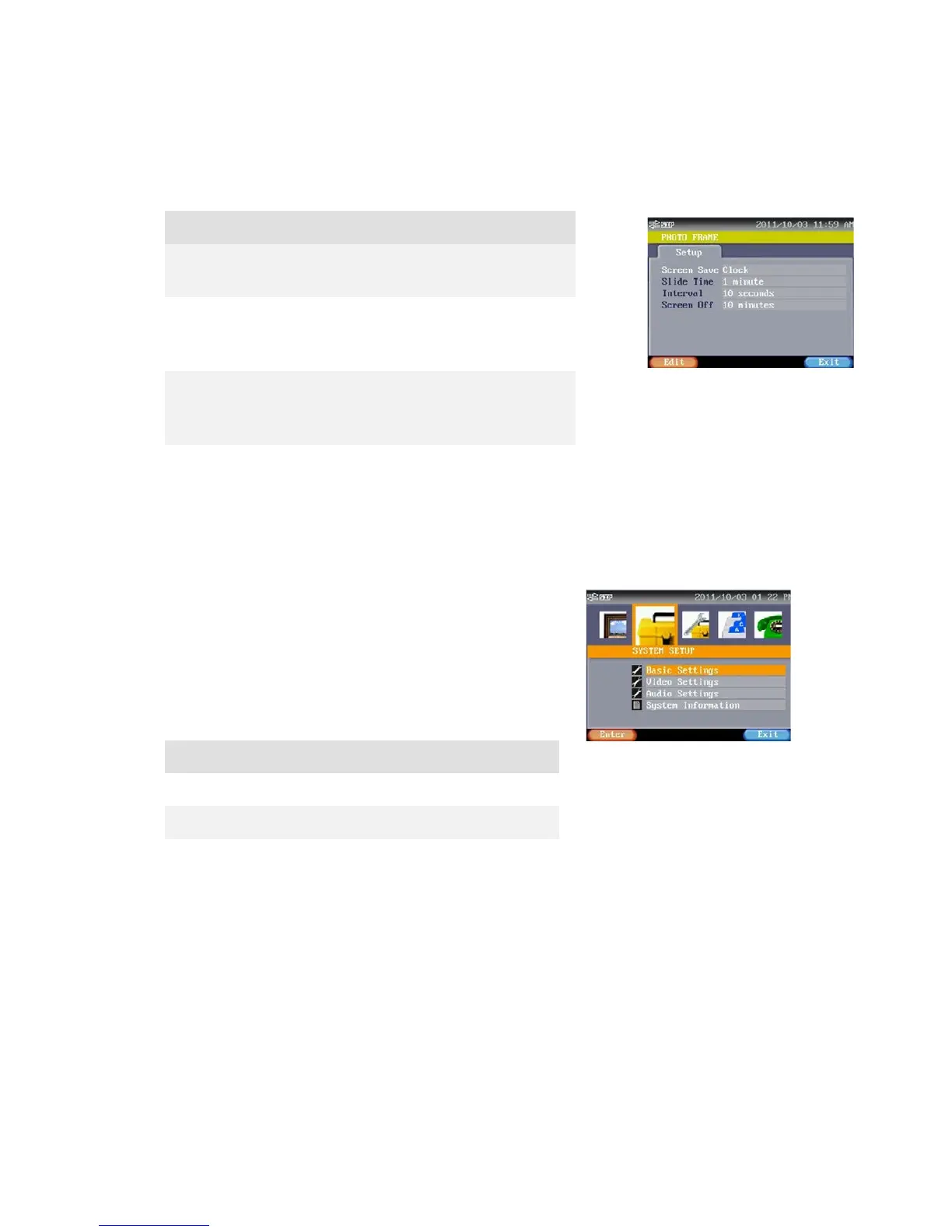
You may select “Slide Photo” or “Clock” here.
Slide Time You may select starting time of slide show
here. There are 4 options: 1 minute, 3 minutes,
Interval You may select Slide show play photo interval
time .There are 3 seconds, 5 seconds, 10
You may select screen off executing period
here. There are 6 options: 10 minutes, 30
minutes, 1 hour, 2 hours, 3 hours and never.
SYSTEM SETTING
This mode contains some basic system settings of this
device. These settings allow general users to setup this
phone according to their preferences. There are 4 sections:
Basic Settings, Video Settings, Audio Settings and General
Information.
Exit Press this button to return to previous



 To Next Page