AMROAD VP115
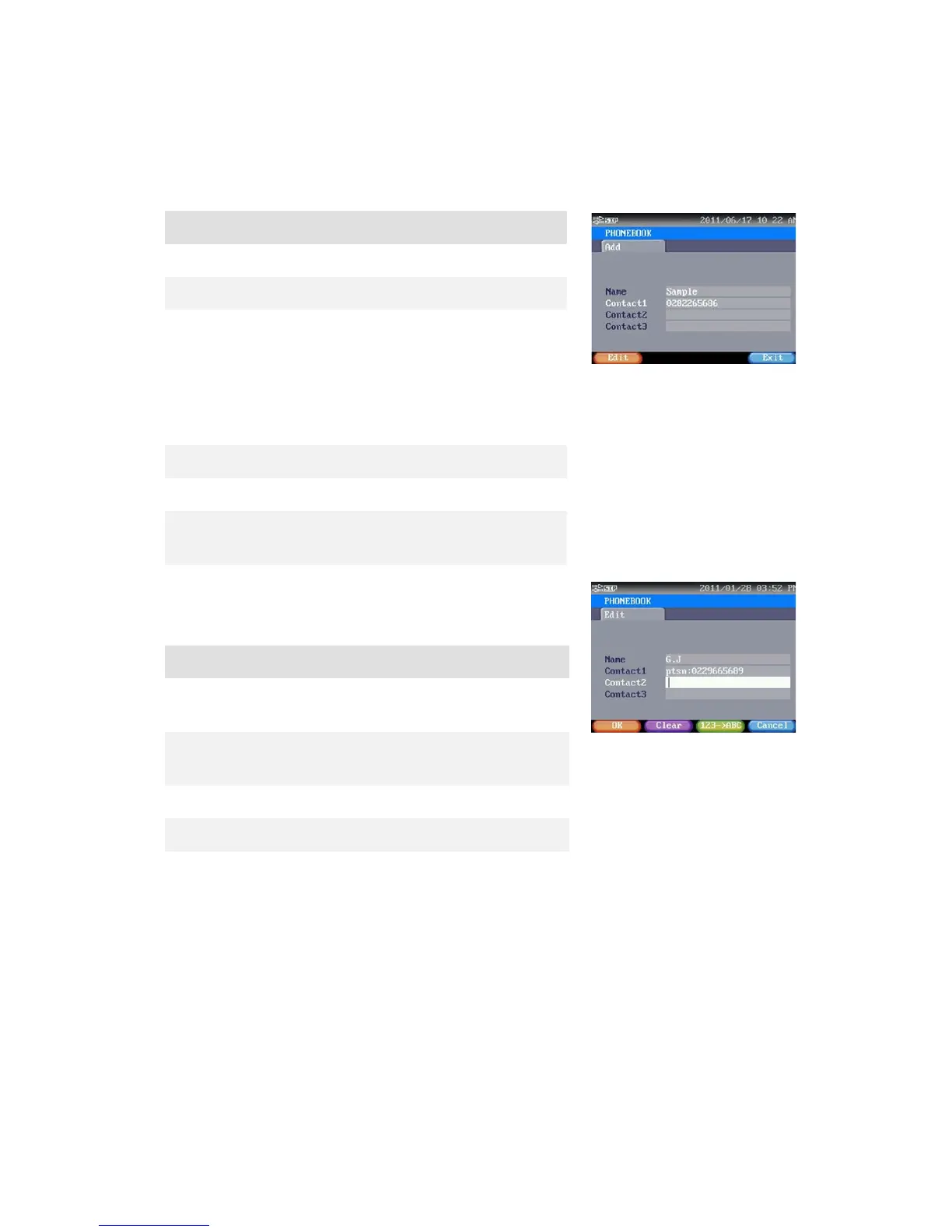
ADD NEW PHONE NUMBER
Enter the item that you want to edit.
Contact1 You may input extension number or URI
(Uniform Resource Identifier,
803@10.3.2.102) in these fields.
NOTE: URI is used in Peer to Peer mode
Only. [Advanced Settings-> SIP services->
Exit Press this button to return to previous
Press[Edit], shown as right side.
Clear Press this button to cancel last inputted
123ABC Press this button to switch input method
between characters and numbers.
Press this button to back to last screen.
Press this button to save current setting.
IMPORT/EXPORT PHONEBOOK
This Phonebook is able to store over 150 records. You may import or export Phonebook for
template. You should use an USB disk to transfer Phonebook data. By attaching the USB disk to
this phone, you will see 2 selections this page: Import and Export. Use [> ] and [< ] keys to
select preferred item, then press Enter [
] to execute selected action.
21


 To Next Page
 Loading...

