EN-2
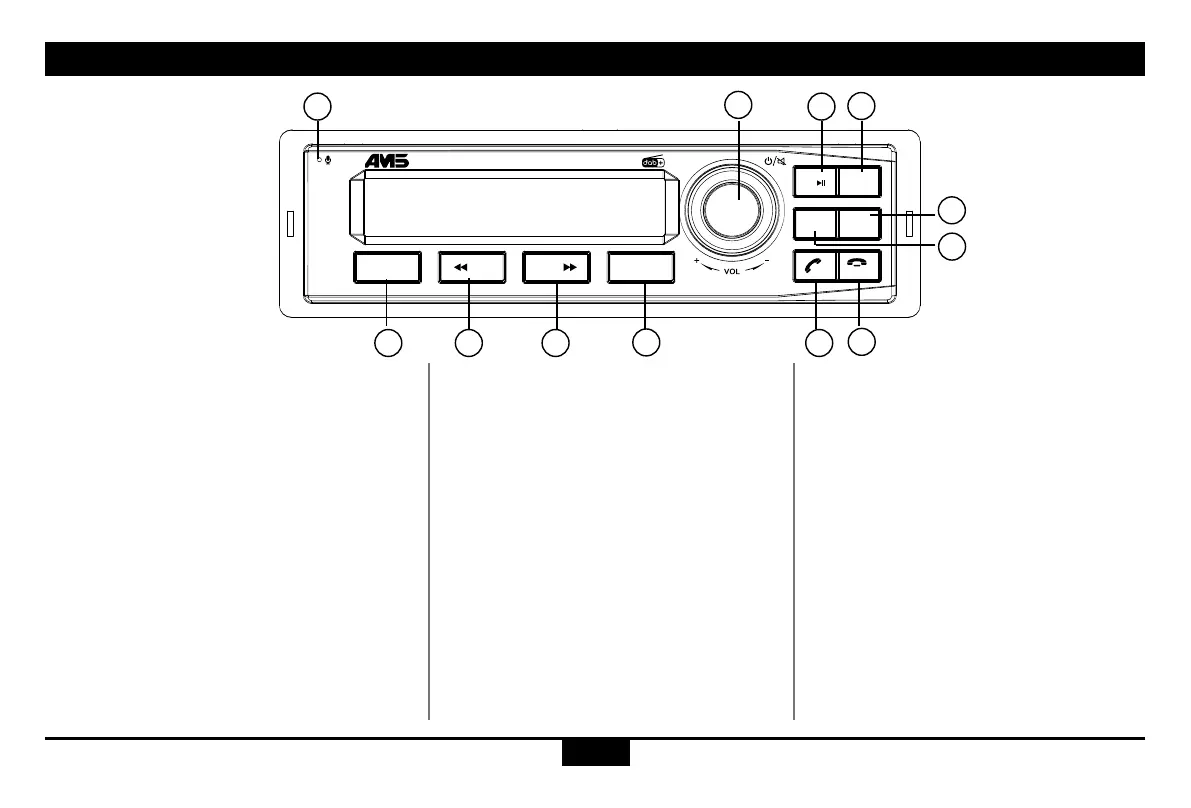
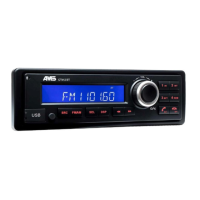
Panel Controls
(1).-Microphone
(2).-Poweron/off,
-Mute,
When on,hold it more than 2 seconds to
power off.
-RotatetheVOLknobtoadjustvolume.
(3).-Switchsource:DAB1/BTAUDIO/FM1/
LW/MW(shortpress)
-Radiomode
Setting FM1/FM2/FM3/FM4 (long press)
-DABmode
Setting DAB1/DAB2/DAB3/DAB4
(long press)
(4).-Radiomode
Automatic search the station from high to
low. (short press)
Browse the preset station. (press and hold
and rotate the volume knob)
-BTmusicmode
Select the previous track
(5).-Radiomode
Automatic search the station from low
to high. (short press)
Scan mode (long press)
-BTmusicmode
Select the next track
(6).-EnterEQ/DISPmenu(shortpress)
-EnterSetupmenu(longpress)select
by pressing the volume knob and turn it
to select the function to modify
(7).-Play/pause(BTmusicmode)
(8).-Answer/Dial/Calltransfer/Hangon
(9).-Hangoff/Rejectacall(shortpress)
-DisconnecttheBluetoothdevice(long
press)
(7-12).
-1-6radiopreset
Press to tune in a preset station.
Hold for more than 2 seconds to
store current station.
AF
TA
TP
PT Y
EO N
FO L DER
FI L E
AU TO
LO U D
RP T
RD M
TI T LE
SC A N
MENU
SRC
LI ST SC A N
1 2
4
3
5
6
CT412 D AB IN ITIAL
2
3 4 5
6
71
8
10
9
11
12
of the track (10 seconds) with an
USB device.
(12). - MP3 repeat play
(13). - MP3 random play
(14). - MP3 folder back/Answer/Dial/Call
transfer/Hang on
(15). - MP3 folder ahead/Hang off/
Disconnect (long press)
(10-15).
-1-6 radio preset
Press to select tune in a preset
station.
Hold for more than 2 seconds to
save current station.
(16). - AUX



 To Next Page