- 10 -
pressing“light”buttonisinvalid.
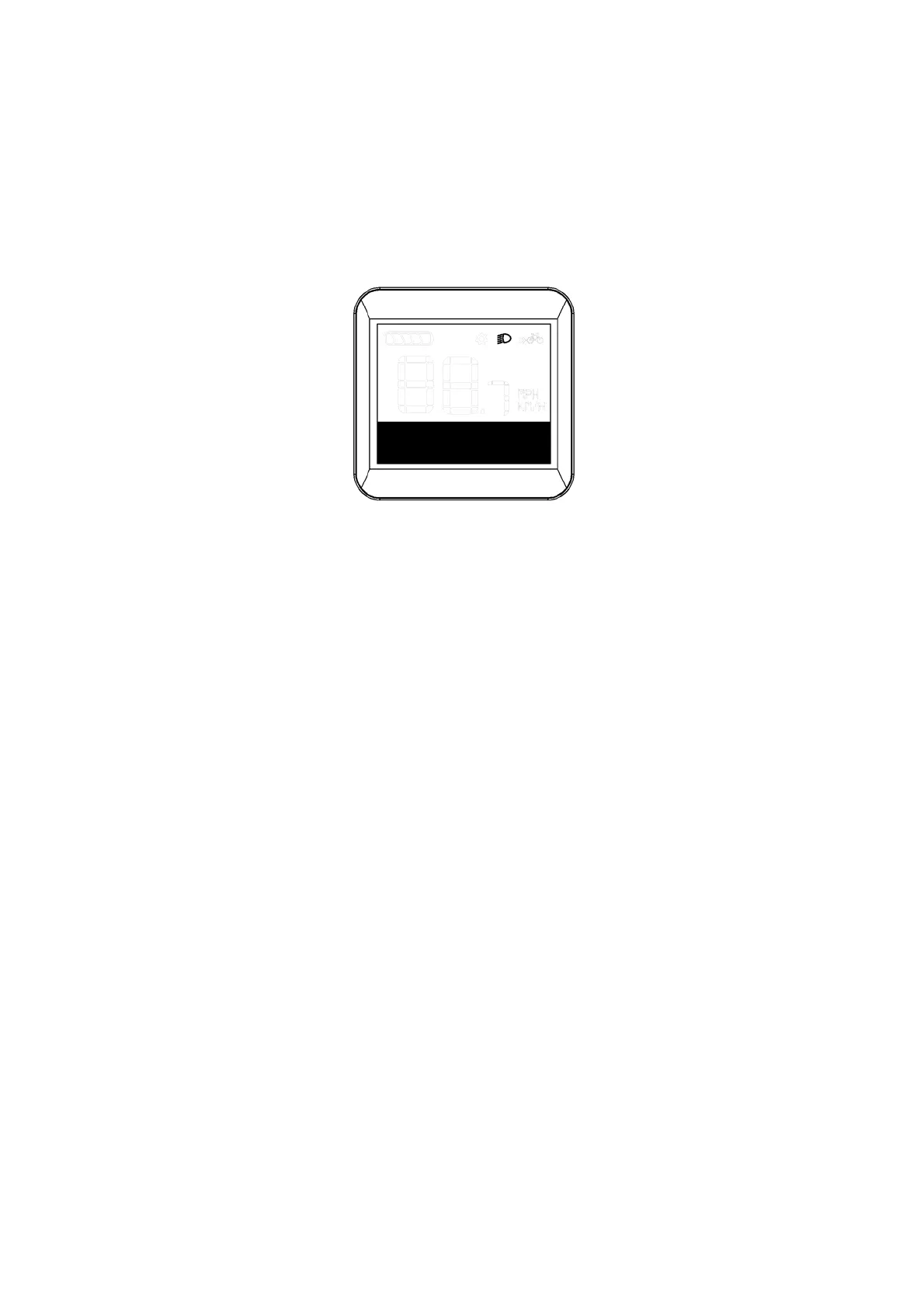
Manualmode:Press“light”buttontoturnthelighton/off
inmanualmode.
Auto/manual mode switching: Press and hold the "light"
button (>2S) to switch between auto mode and manual
mode. (Auto mode is on by default when the display is
poweredonandlogo"A"isdisplayedonthescreen).
If in auto mode the light is on and after switching to
manualmode,lightwillbeoff,andviceversa.
Lightindication



 To Next Page