- 21 -
6.6Batteryinformation
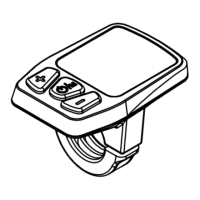
After entering the hidden setting, short press "+" button
toswitchbetweenBatteryinformation‐Softwareversion
‐Photosensitivethresholdsetting.
PressPowerbuttonshortlytochoosebatteryinformation
mode.
Press “+” or “‐” shortly to switch between the different
batteryconditions.
PressPowerbuttonagaintoexitbatteryinformation
mode.
Batteryinformationcodetable
Code Battery
1b “Cycles”
2b “Fullcharge——Cap”
3b “Remaining——Cap”
4b “BatteryVoltage”
5b “Cell01Voltage”
6b “Cell02Voltage”
7b “Cell03Voltage”
8b “Cell04Voltage”
9b “Cell05Voltage”
10b “Cell06Voltage”
11b “Cell07Voltage”



 To Next Page