- 20 -
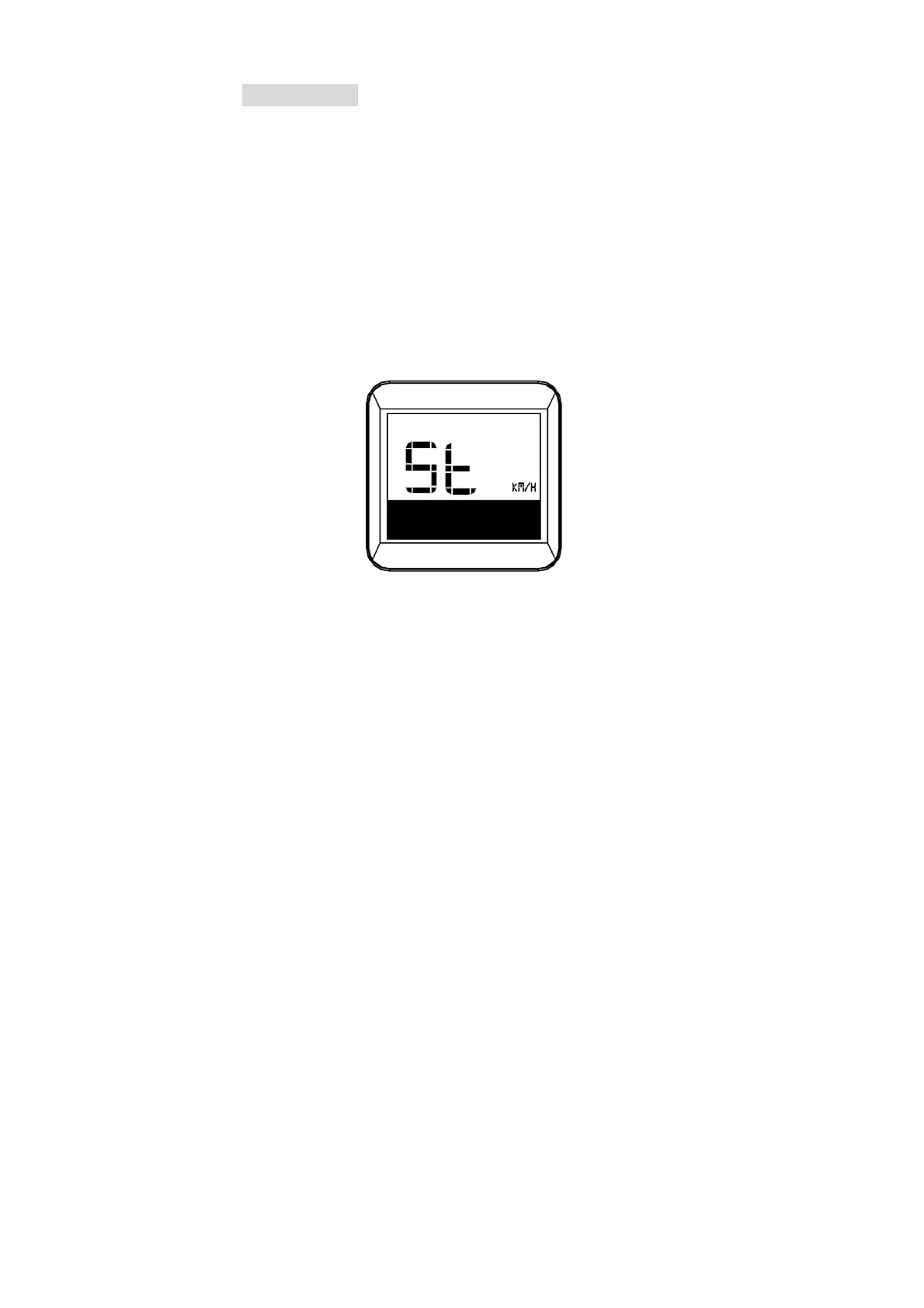
6.5Unitsetting
In the regular setting menu, press “+” shortly to switch
betweenBacklightbrightnesssetting‐Speedlimitsetting
‐Wheelsizesetting‐Unitsetting.
Press Power button to choose unit adjustmentmodefor
speed and trip. Press “+” or “‐” button shortly to switch
between the metric unit (Km/h) and the imperial unit
(MPH).PressPower buttonagaintosavethe changeand
exitunitadjustmentmode.
Unitsetting



 To Next Page