13
8. Update
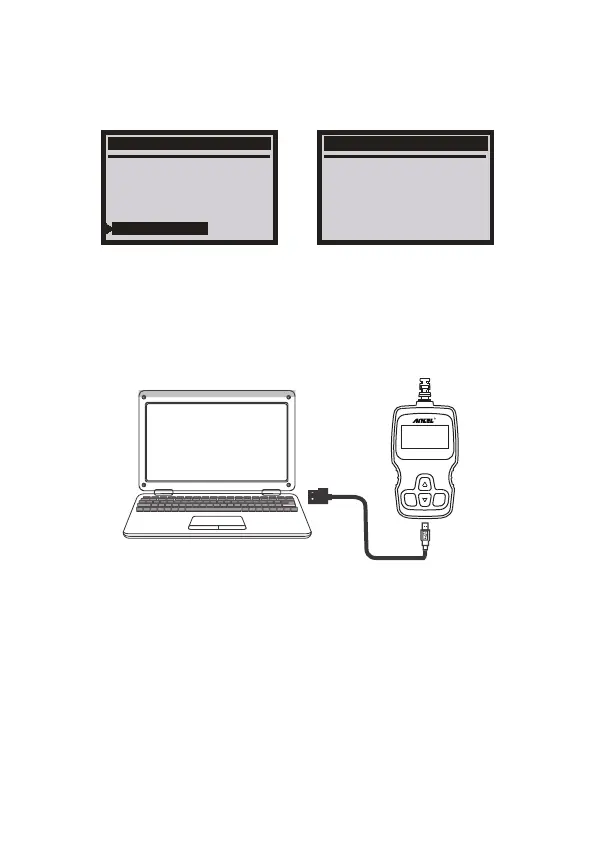
1.Please connect device and computer with USB cable before upgrading.
2.The update software is only supported by windows 7/8/10.
(Win8/10 can run update software directly, only windows 7 need to install
the driver.)
3.Click "install driver.bat" in the driver file to install the driver.
System Setup
Contrast
Unit Of Measure
Language
Record
Feedback
Version Information
Version Information
Software :SW V8.60
Hardware :HW V1.1B
Library :V2.80
7. Version Information
Choose [Version Information] and it displays as follows:
EN
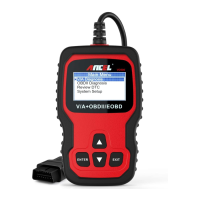
V/A+OBDII/EOBD
ENTER EXIT
VD500


 To Next Page