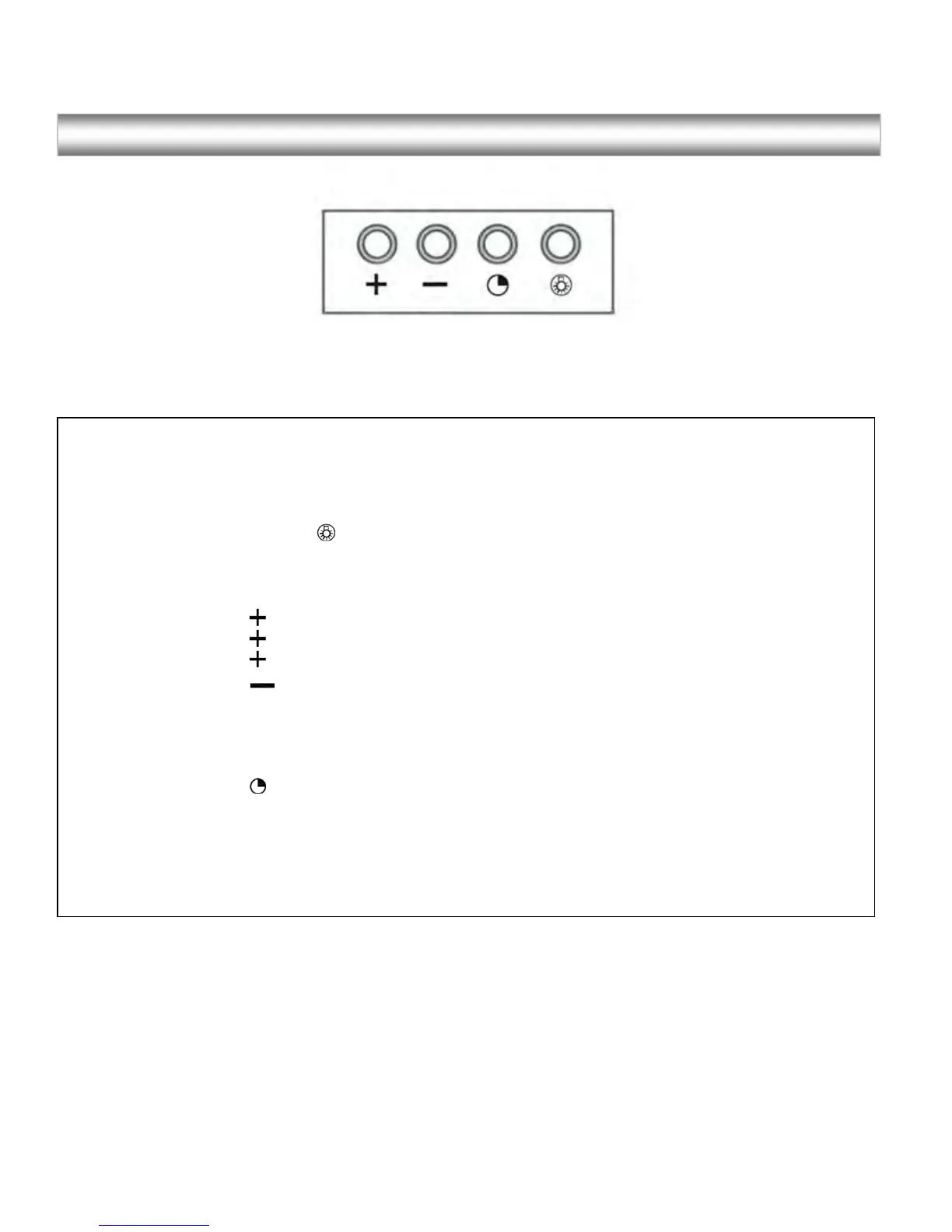
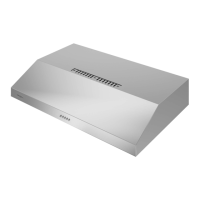
Control Panel Layout and Buttons Configurations:
Electronic Controls with Time Delay
•
Lights:
o
Press the light key once, the backlight is on, and the lights are on.
o
Press it for a second time, the backlight is off and the lights are off.
•
Power settings:
o
Press the key once and the motor starts to operate at low speed.
o
Press the key again and the motor will reach Medium speed.
o
Press the key once more and the motor will reach High speed
o
Press the Key to lower speeds in succession until the motor stops working (power off).
•
Timer function:
o
The control module provides the option to run the motor for a predetermined time period in
order to evacuate remaining vapors from the kitchen.
o
Press the timer key when the motor is working and the motor will continue working for 10
minutes and will stop working thereafter
Increase
Speed
Decrease
Speed
Timer Light
.
.


 To Next Page