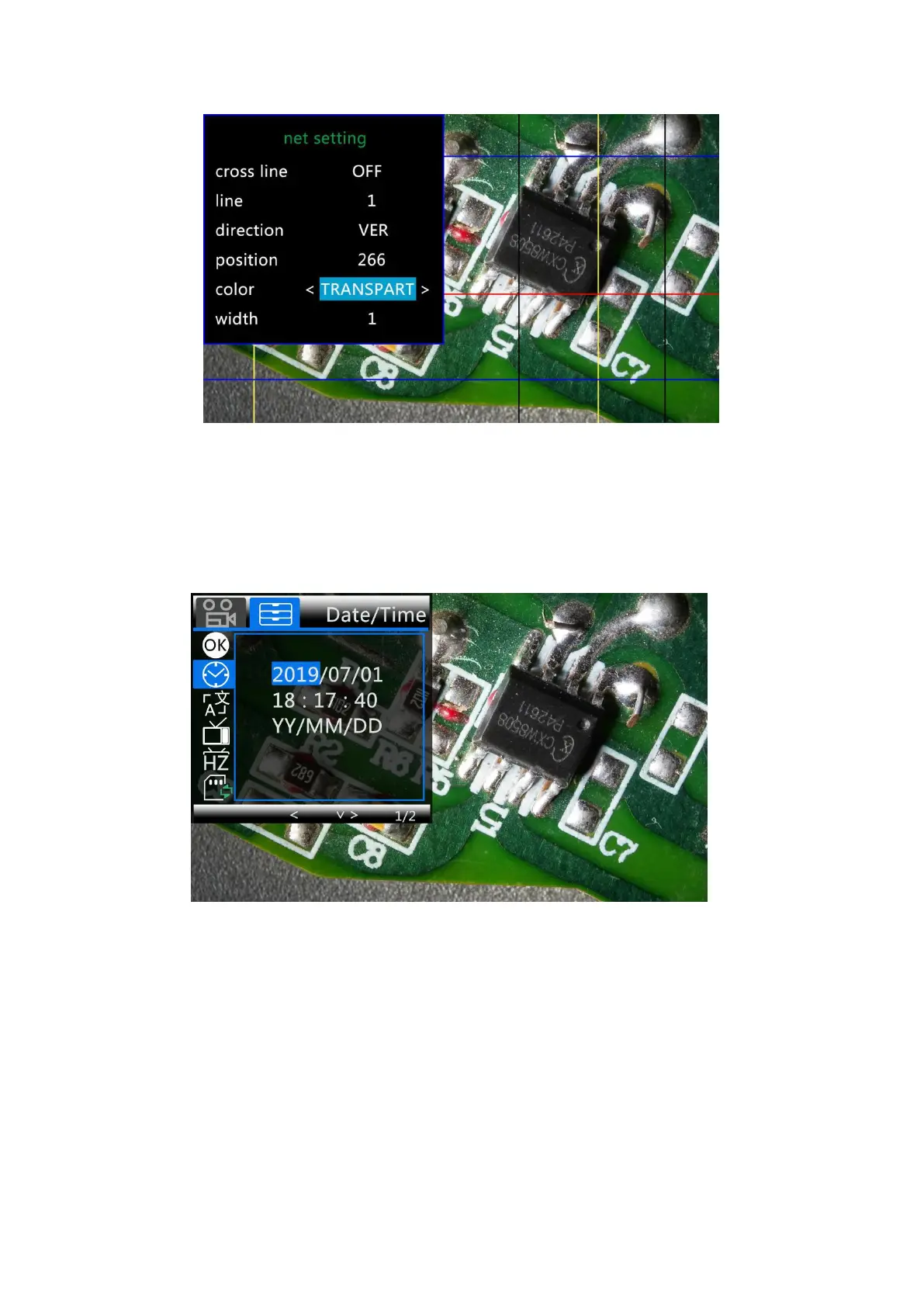
(P13,Set the color of line 1 to transparent)
Date/Time:
Press “OK” into Date/time setting. Use “Up” and “Down” to select the correct number for
year/month/day. Once you finish setting a number, press “OK” on the monitor to the next number. Or,
you can use “Left” and “Right” on the remote to get to the one that you want.
Press “MENU” button on the remote to exit date/time setting directly. If you don’t have the remote, you
have to go through all over these settings one by one and then press OK again to exit.
(P14,Date/time setting)
To save settings
After you set everything right, you should turn off the device by pressing ON/OFF button on the
monitor and hold it until the device switching off.
If you turn off the device by pressing the button on the switch cable, or just simply cut off the power
supply, the setting would not be saved.



 To Next Page