23
* This adjustment can be made
regardless of whether the
button is ON/OFF.
1
2
(Ex: AM10:15)
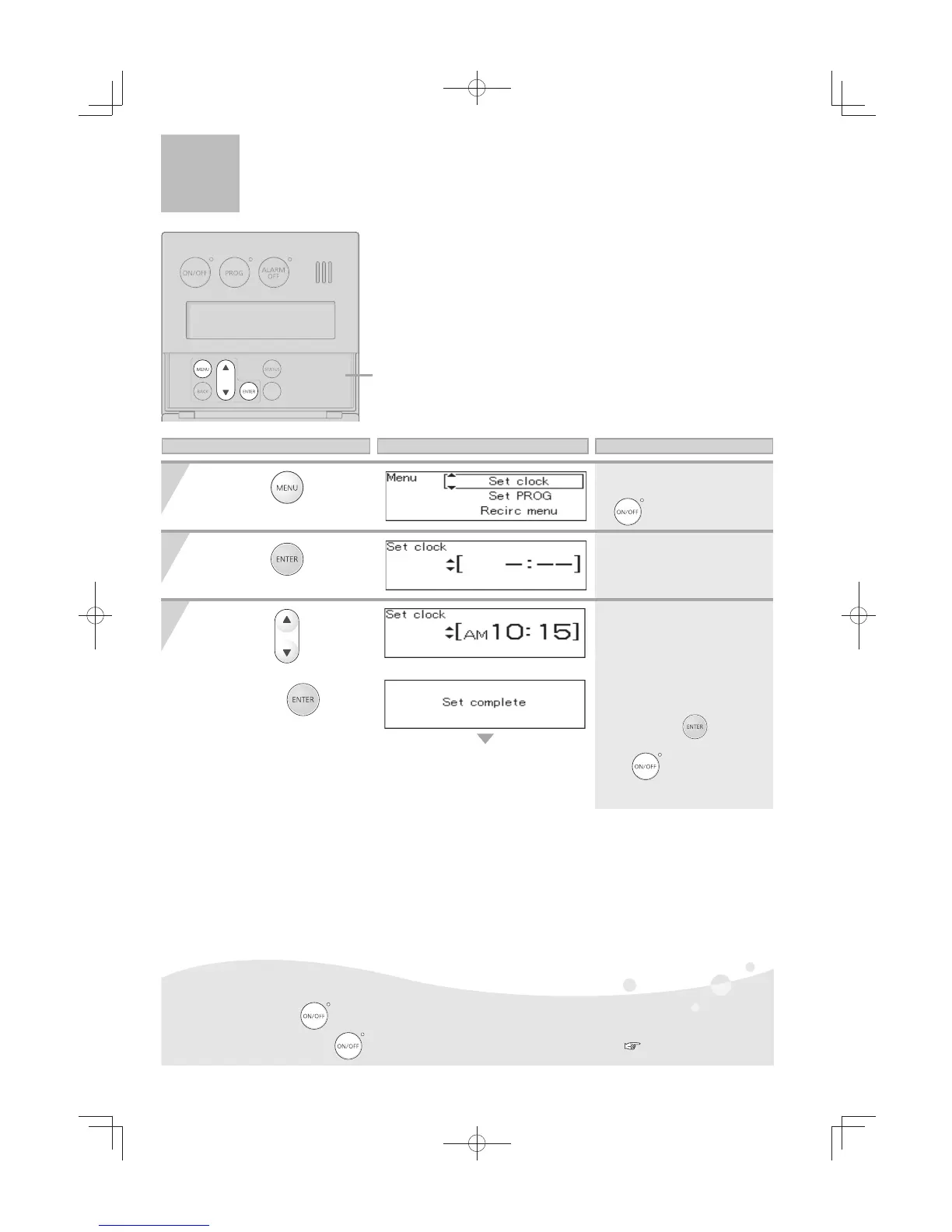
Cover shown in
the open position.
3
1)
2)
The screen returns to the previous screen.
Press the
button
inside the cover.
Press the
button.
1) Use the
buttons to
reset the clock.
2) Press the
button
to complete the clock setting.
* The time changes in 1-minute
increments with each press
of the button, and then in
10-minute increments if the
button is kept pressed down.
* If the display is left untouched for
approximately 20 seconds without
pressing the
button
, the
setting will be completed. When
the
button is turned ON,
the home screen will be restored.
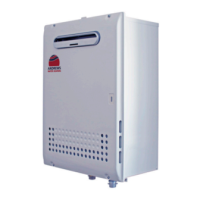
* In the event of a power outage or after disconnecting power to the water heater, when power is
restored, the clock on the display screen will show " - : - - " and the clock will need to be reset.
*
Normally, when the
button is turned OFF, the clock display disappears, but it is possible to
display the clock when the
button is turned OFF by changing a setting.
( p.24)
Operation Screen Display Description
Clock Adjustment
[For All Systems]



 To Next Page