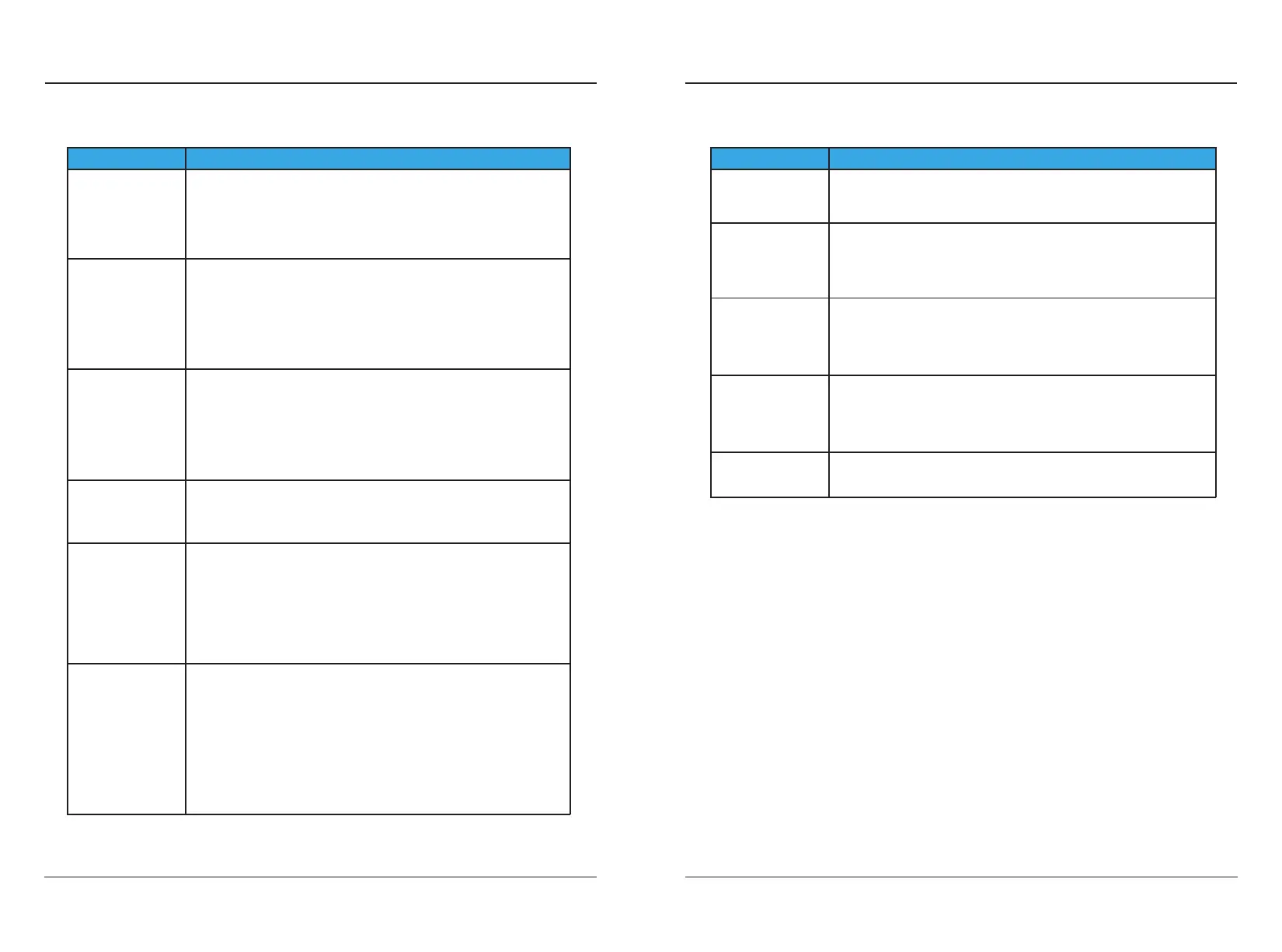
Failure Causes and Solutions
(*) Possible fault causes (fault status LED lights up):
In principle, the fault must be cleared by pulling out the charging gun. The following
reasons may lead to failure: Ground fault, electric leakage, charger pile ID not set.
Please contact your service partner to maintain the equipment.
6.1 Troubleshooting Table
6. TROUBLESHOOTING
6. TROUBLESHOOTING
USER MANUAL 12
USER MANUAL 11
Unable to turn on
Unable to start
charging
The screen
displays "CP Fault"
Incomplete
charge or
overtime charge
The screen
displays
"Overvoltage fault"
The screen
displays
"Low voltage fault"
The screen
displays
"Ground fault"
● Please restart the device to charge.
● If you cannot solve the problem, please contact the service
partner.
● Indicates that the charger input voltage is higher than the
limit value 288Vac(max).
● Contact an electrician to confirm whether the supply
voltage is normal.
● If you cannot solve the problem, please contact the service
partner.
● Indicates that the charger input voltage is below the limit
192Vac(min).
● Contact an electrician to confirm that the supply voltage is
normal.
● Please check whether the power supply load capacity is
sucient.
● If you cannot solve the problem, please contact the service
partner.
● Check whether the ground status of the power supply
socket is valid.
Failure Causes and Solutions
The screen
displays
"Overcurrent fault"
The screen
displays
"Over Temperature
fault"
Button not
responding
Show ʼno plug"
does not charge?
● Please make sure that the vehicle charging current is within
the rated range.
● If you cannot solve the problem, please contact the service
partner.
● Stop charging and leave it for 30 minutes before starting
charging again.
● If you cannot resolve the problem, please contact the
service partner.
● You can operate the screen button before inserting the gun,
and the button will be locked and not respond after
inserting the gun.
● Please contact the service partner.
● Avoid fast and frequent plugging and unplugging.
● Maybe vehicle problem, contact after-sale service.
Check the power supply and cables to ensure that they are
not damaged in any way and are properly connected and
that the power supply is properly powered.
If you cannot resolve the problem, please contact a service
partner.
●
●
Check the vehicle connector to make sure there is no
foreign matter inside the gun, the cable is not damaged, and
the vehicle connector and socket are in good contact.
Check the unlock button to make sure it is locked and that
the vehicle is set up properly.
Touched the delayed charging button by mistake.
●
●
●
High temperatures can cause current derating or interrupt
charging process.
Overvoltage or undervoltage may cause interruption of
charging.
Poor grounding leads to incomplete product protection
charging.
●
●
●



 To Next Page