EN EN
09 10
6.
LED Indication
Button LED Status Description
Solid blue
Power on / operating in projector
mode
Solid yellow Standby in projector mode
Solid red Charging
Solid green Fully charged
Flashing red Low battery
Flashing blue
Ready to pair / Bluetooth is pairing /
Bluetooth disconnected (Bluetooth
speaker mode)
Solid blue
Bluetooth connected (Bluetooth
speaker mode)
Getting Started
1.
Placement
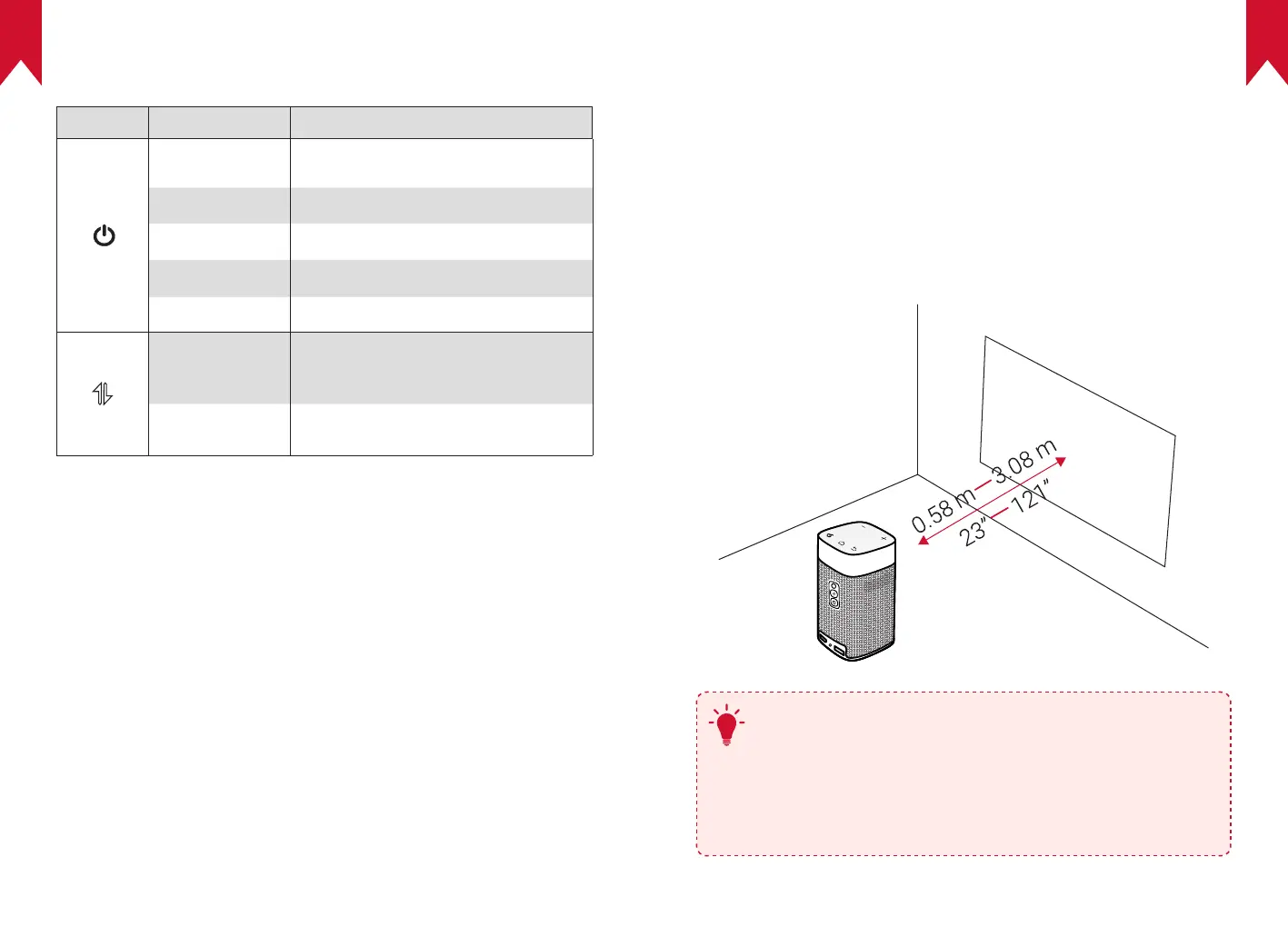
Place Nebula Apollo on a stable, flat surface in front of the projection
surface. For the best results, the projection surface should be white and
flat. The distance between Nebula Apollo and the projection surface
must be a minimum of 0.58 meters (23 inches) and a maximum of 3.08
meters (121 inches) to get a projection image between 20 and 100
inches.
T
•
It is unnecessary to tilt Nebula Apollo towards the
projection surface. You can correct the projection image
with the built-in keystone correction.
•
The distance between Nebula Apollo and the projection
surface determines the projection image size. For the best
result, position Nebula Apollo between 40 and 80 inches
away from the projection surface.



 To Next Page