EN 03
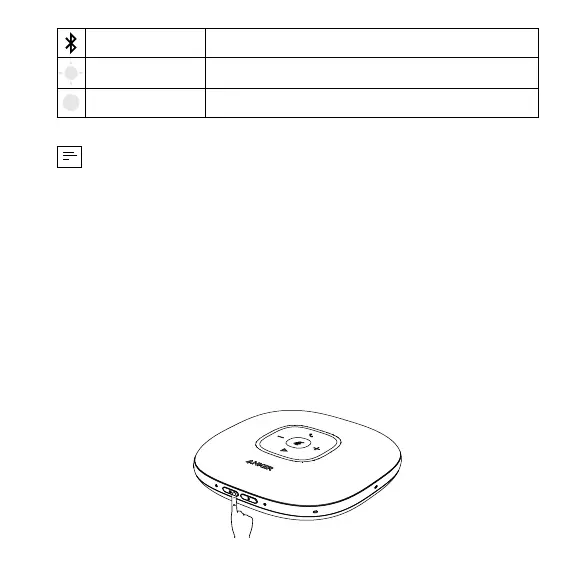
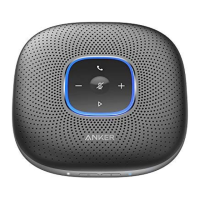
Flashes blue Bluetooth pairing
Steady blue Bluetooth connected
• Each time you power on the product, it will automatically connect with
the last successfully connected device if available.
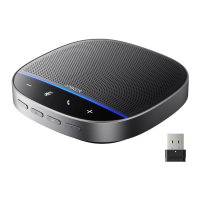
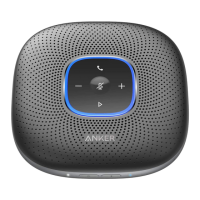
• When the speakerphone is connected to two devices via USB and
Bluetooth at the same time, press and hold the multi-function button for
two seconds to switch between Bluetooth and USB modes.
• To disconnect Bluetooth, press the Bluetooth button again.
Powering On / Off
Press and hold the power button for two seconds to power on. The LED light
will turn on, run clockwise, and then fade out. To power off, press and hold
the power button for two seconds.




 To Next Page