EN 05
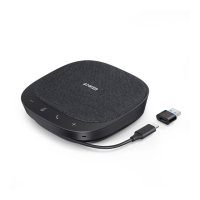
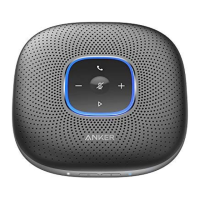
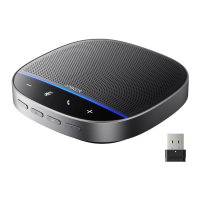
Status LED
Lights up white for 2 seconds USB connected to computer
Breathes green Incoming call
Lights up blue partially Sound direction detected
Lights up blue clockwise or
counterclockwise
Increase or decrease volume
Turns red Muted
Lights up green Press Power button to check the battery level
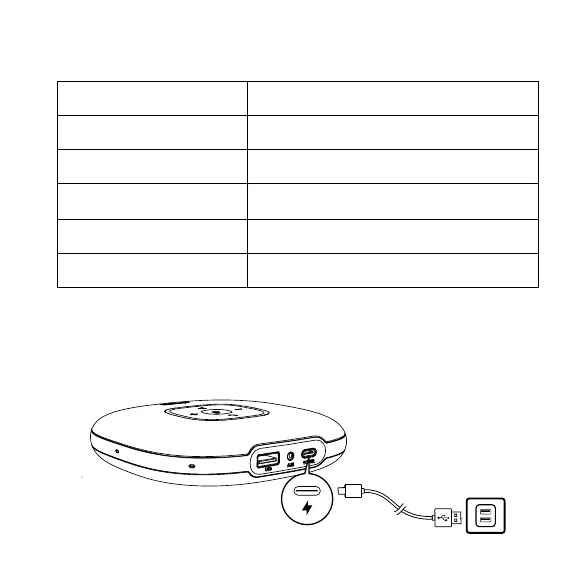
Charging
a) Charging this product


 To Next Page