04 EN
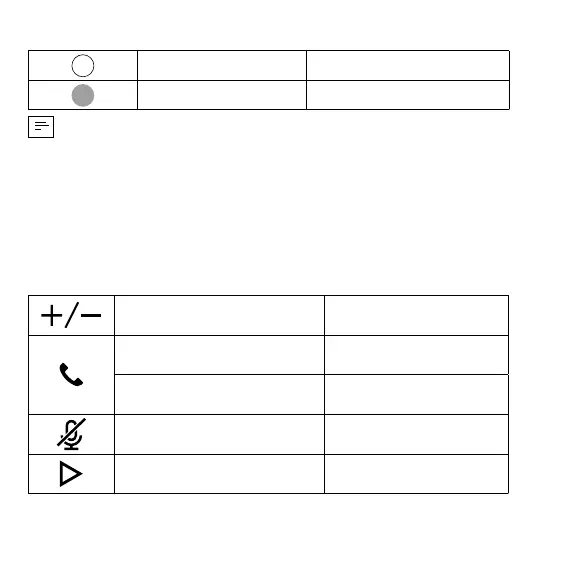
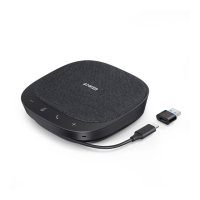
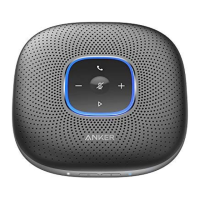
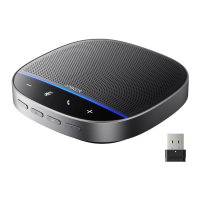
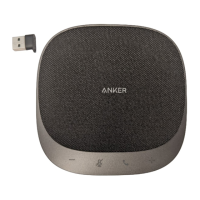
Power LED
Steady white Power on
Light off Power off
• Once connected to your computer, the product will automatically power
on.
• The product will automatically power off after 30 minutes of inactivity or if
it's not connected to a source.
Button Controls
Press or press and hold Volume up / down
Press Answer / End a call
Press and hold for 2 seconds Reject a call
Press
Mute or restore the
microphone
Press Play / Pause music


 To Next Page