EN 02
Connecting
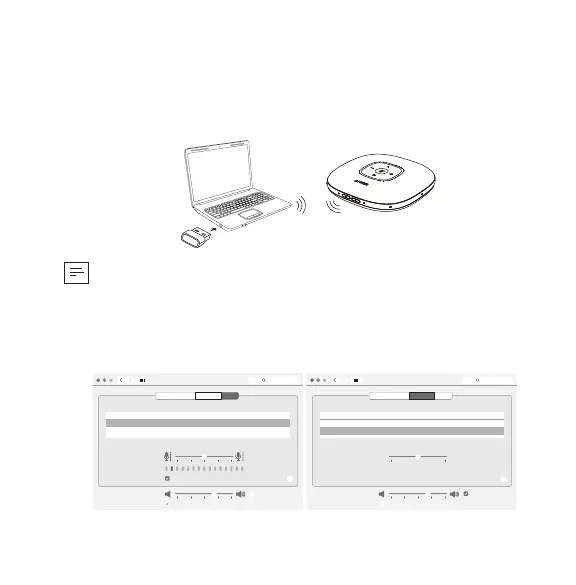
a) Connect to PC (Bluetooth USB adapter)
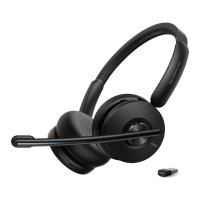
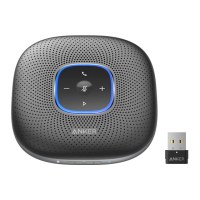
Plug the Bluetooth USB adapter into a USB port on your PC, PowerConf+ is
ready to use when powered on.
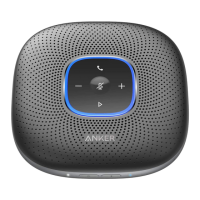
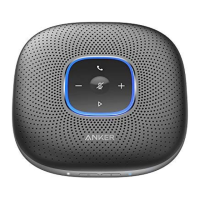
Anker PowerConf
Model:A3301
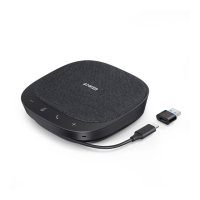
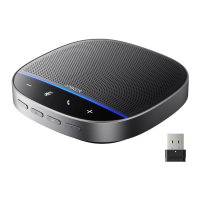
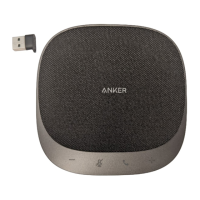
Anker Soundsync A3303
Model:A3303
• Having a problem? You might need to manually set PowerConf+ as the
audio device for your PC system or conference software.
macOS System
System Preferences > Sound > Sound Effects / Output / Input
Sound
Sound Effects
Settings for the selected device
Input volume:
Output volume: Mute
Input level:
Use ambient noise reduction
Output Input
Show volume in menu bar
Search
Select a device for sound input:
Name
Anker Soundsync A3303
USB
Type
?
Sound
Sound Effects
Settings for the selected device
Balance:
Output volume: Mute
Output Input
Show volume in menu bar
Search
Select a device for sound output:
Name
Anker Soundsync A3303
USB
Internal Speakers
Built-in
Type
?
left right



 To Next Page