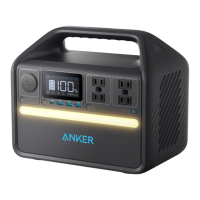
7
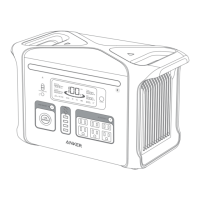
Car Socket On/O Button
8
Solar Input and Car Input
· The sliding cover design is intended to prevent this port and the 140W USB-C Input/Output Port from being used
simultaneously.
9
140W USB-C Output Port
10
AC Input Port
11
AC Output Ports
12
Ambient Light On/O Button
13
Ambient Light
14
Main Power Button
15
LCD Screen
16
Reset
17
IoT Button
18
AC Output On/O Button
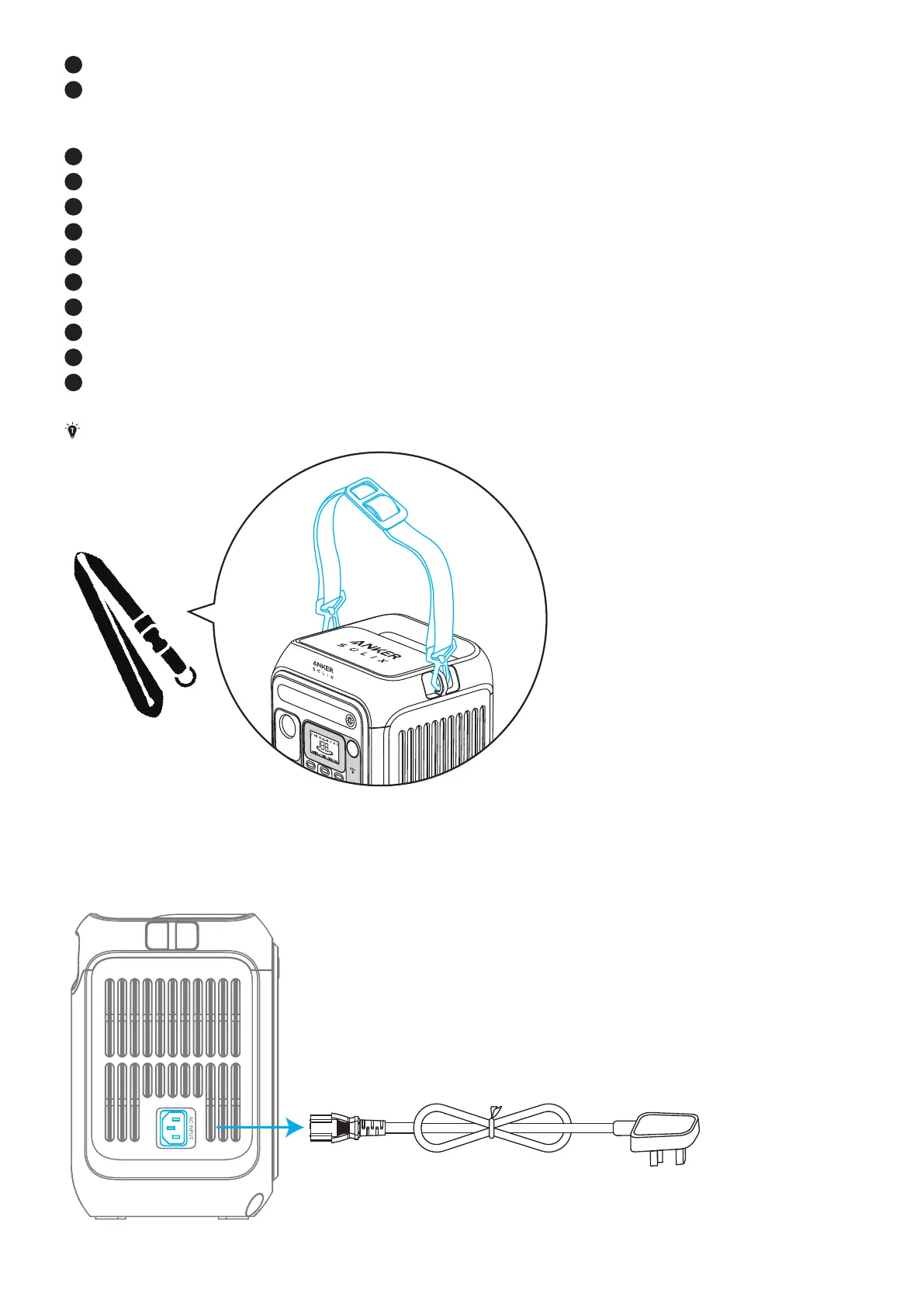
*The strap attachments are designed for Anker SOLIX adjustable straps (sold separately).
Recharge Your Power Station
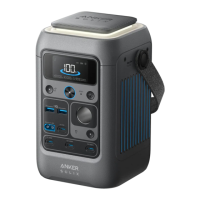
AC Recharging (330W Max)
Recharge your power station by connecting to a wall outlet with the AC charging cable.


 To Next Page