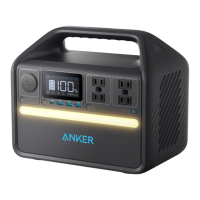
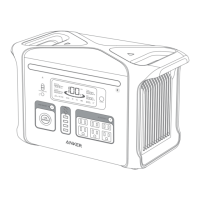
AC Charging
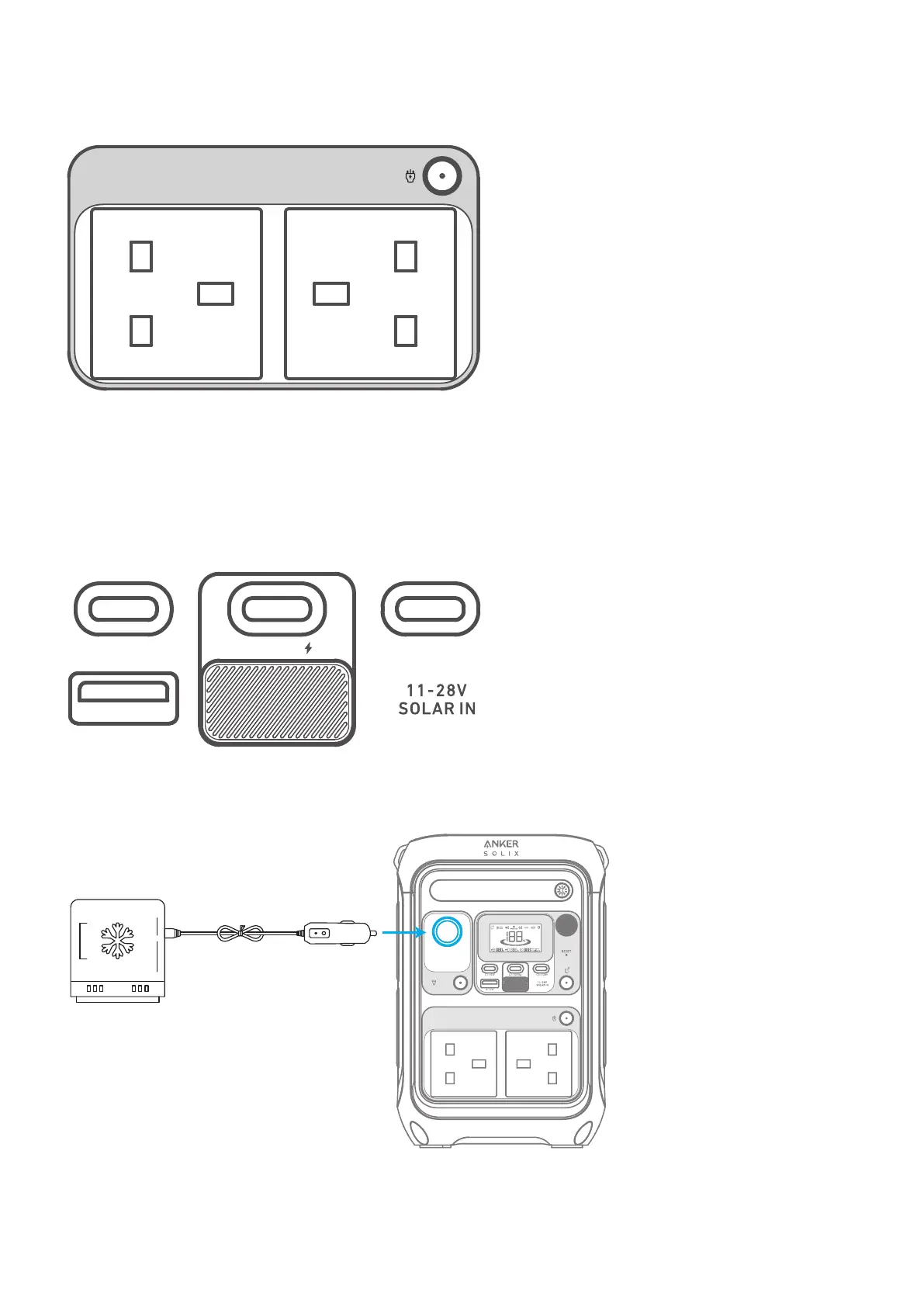
Press the AC outlet button and connect your device with the AC output ports.
The AC outlets can intelligently identify whether a plug is inserted. This helps prevent power waste by automatically
turning o the power station if no plug is detected for more than 15 minutes.
USB Charging
Connect your devices to the USB ports.
Note: The USB-C2 and USB-C3 output ports are a PS3 classification. There is a risk of fire when connecting additional
equipment to the USB-C ports; safeguards against fire in the connected equipment or accessories should be considered.
Only connect your portable power station to equipment or accessories that comply with clauses 6.3, 6.4 and 6.5 of IEC/
EN IEC/ BS EN IEC 62368-1 standards. Additionally, use a USB-C 5A cable to achieve maximum power (20VDC/5A, 100W;
28VDC/5A, 140W).
C1:15W C2:140W C3:140W
A:12W
Car Socket Charging
Turn on the car socket and connect your devices to start charging.
C1:15W C2:140W C3:140W
A:12W


 To Next Page