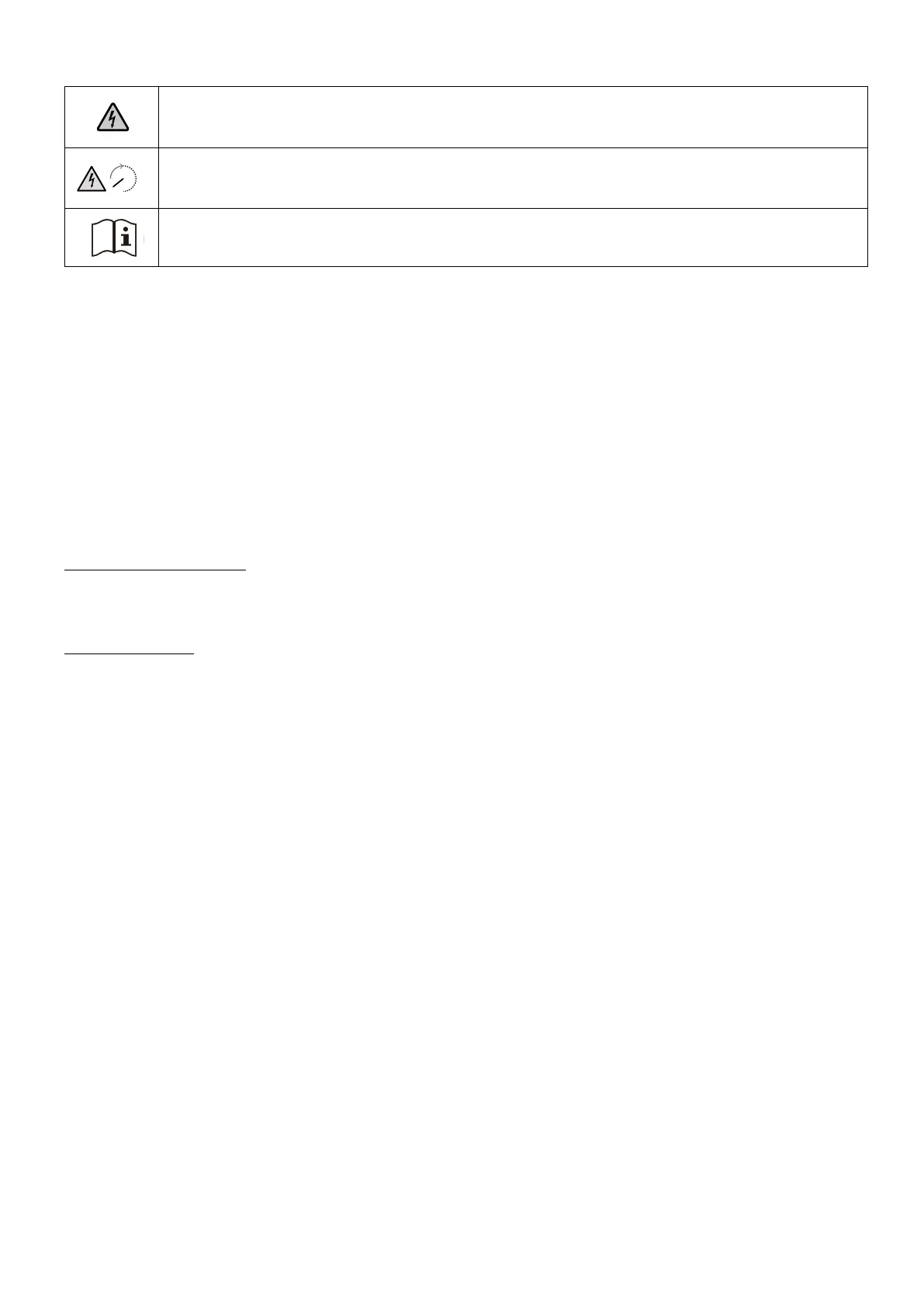
Warning Signs
This sign signifies the presence of high voltage danger and risk of electric shock.
3min
To prevent electric shock or personal injury, refrain from touching or using the inverter until 3 minutes
have lapsed since its shutdown or disconnection.
Refer to the operation instructions.
About This Guide
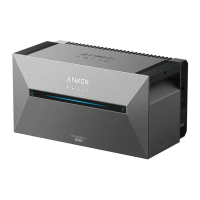
This guide shows the primary system for the whole-home photovoltaic energy cycle, with Anker SOLIX Solarbank 2
E1600 Plus installed as the main service equipment. This guide describes Anker SOLIX Solarbank 2 E1600 Plus in terms
of unboxing, product overview, installation, electrical connections, button and light explanation, customer service, and
safety guidelines.
· One Anker SOLIX Solarbank 2 E1600 Plus can support up to five Anker SOLIX BP1600 Expansion Battery modules.
· Anker SOLIX Solarbank 2 E1600 Plus can be used with Anker SOLIX Smart Meter.
Unboxing
Check Before Installation
Check the Outer Packaging
Before unpacking the equipment, check the outer packaging for damage, such as holes and cracks, and review the
equipment model number. If any damage is found or the model is not what you requested, do not unpack the equipment
and contact Anker customer service as soon as possible.
Check Deliverables
After unpacking the equipment, check that the deliverables are intact and complete, and free from any obvious damage. If
any item is missing or damaged, contact Anker customer service.


 To Next Page