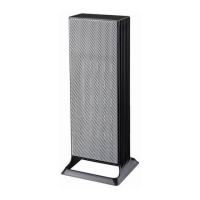
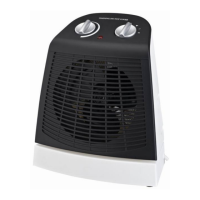
Operating your Heater
Remote Control and General Operation
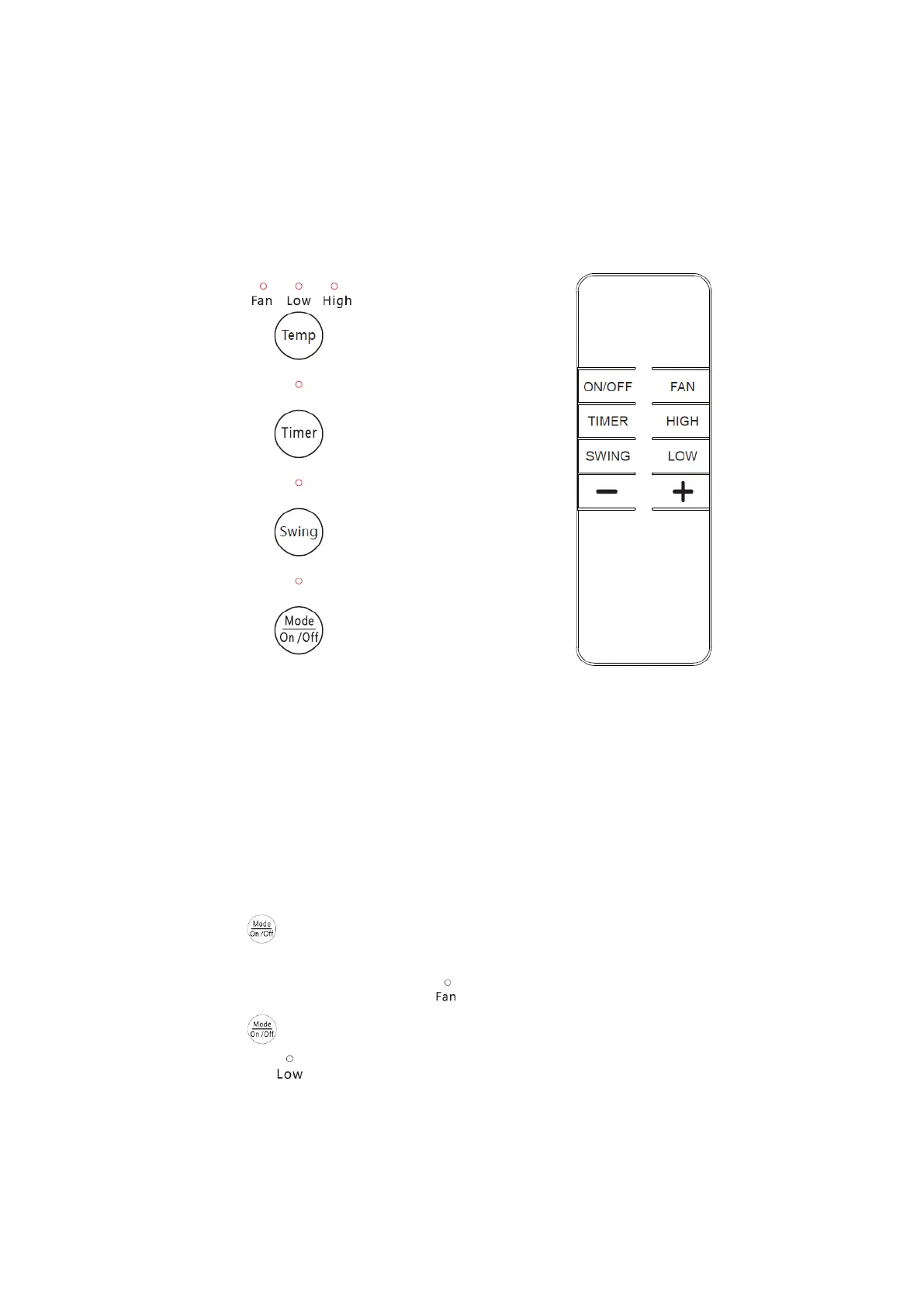
Control Panel Remote Control
IMPORTANT! Ensure heater is on a flat, stable, heat-resistant surface.
Once the heater is in a safe operating position and all switches are in the off position, insert
the power plug into the mains outlet.
1. Turn the Power Switch at the back of the heater to the “I” position. You will hear a
beep.
2. Press the button on the control panel to turn the heater on. The LED will
display the current room temperature; the heater will begin to blow out room
temperature air and the indicator will light up.
3. Press the button again; the heater will begin to operate in Low Heat Mode and
the indicator will light up. In this mode “01” will display on screen and flash 4
times, then the screen reverts to showing the current room temperature. Under this
mode, the heater will continuously heat up under the Low 1000W power.



 To Next Page