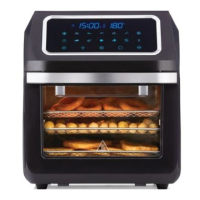
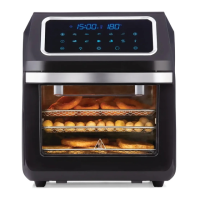
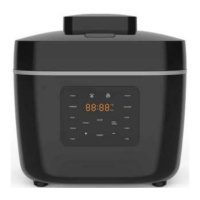
BEFORE FIRST USE
Note: When using the appliance for the first time, carefully remove all internal and external packaging,
protective film and accessories.
Clean the main unit with a damp cloth or sponge. Wipe dry with a soft dry cloth.
WARNING! Do not immerse the main unit in water or any other liquids to clean.
Wash the accessories with soapy water. Dry all components thoroughly before use.
WARNING! This is an oil-free fryer that works on hot air. Do not fill with oil, frying fat or
any other liquid. If these instructions are not followed this may casue Fire and/or personal injury.
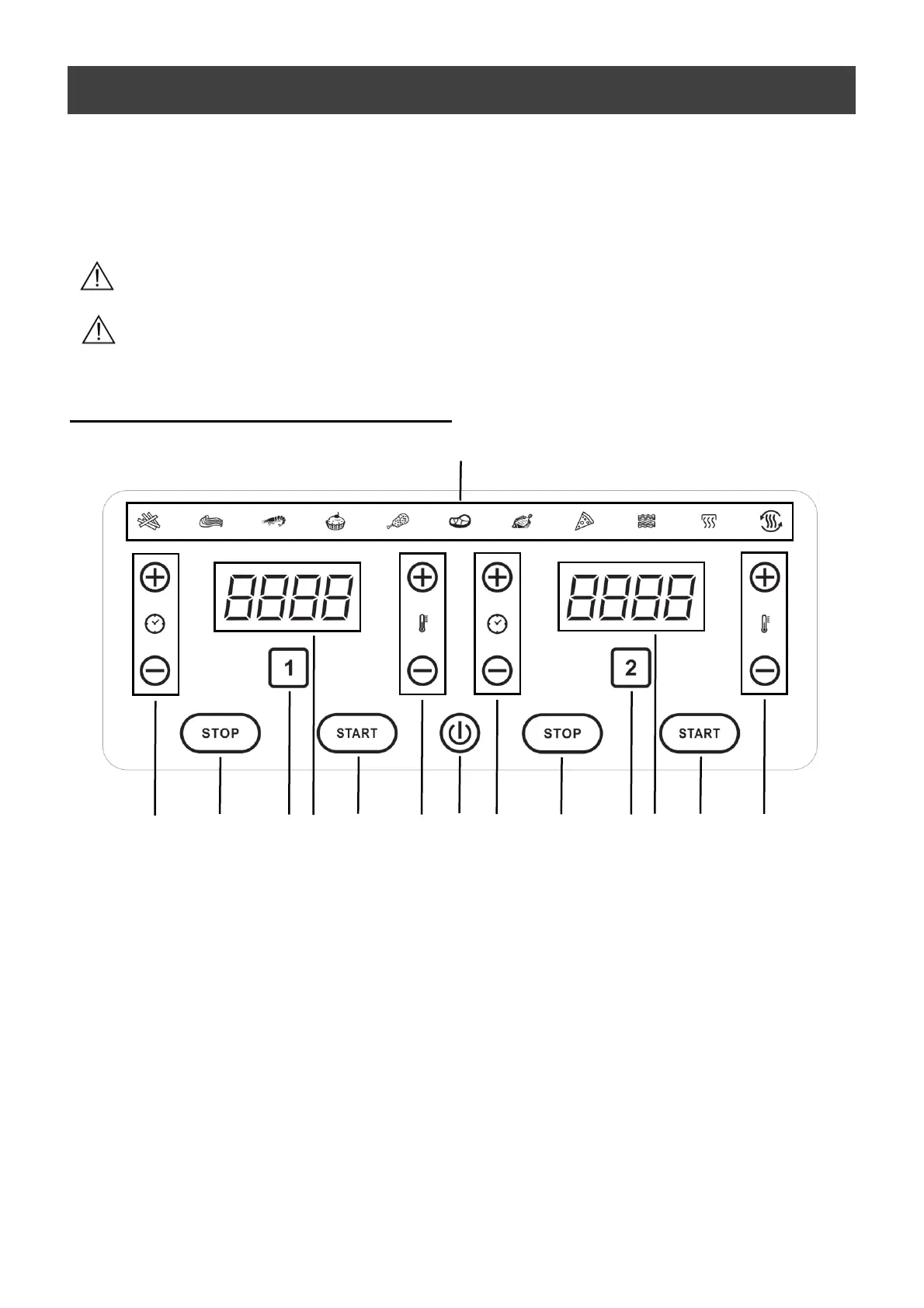
HOW TO USE THE CONTROL PANEL
1. Power Button
Once the appliance is plugged in, the Power Button will light up and the appliance is in standby
mode.
Touch the power button, it shows ON and pan 1 and 2 on the control panel.
Touch the power button at any time during the cooking process, the control panel will switch OFF
immediately and the appliance will shut down at the same time.
2. Pan Buttons
Touch pan 1 or 2 to light up the control panel for setting.
3. Preset Functions
The preset functions will help you to start cooking efficiently.
Select any of the icons, this will automatically set the Time and Temperature to a default setting for



 To Next Page