Page 11 of 16
6 Operation
6.1 Modes
There are 4 modes being:
1. Low Mist Rate plus Night Light On
2. Low Mist Rate plus Night Light Off
3. High Mist Rate plus Night Light On
4. High Mist Rate plus Night Light Off
To access these modes from when first plugged in and turned on at the
power point, follow the instruction below.
Note: The On / Off button will change to Blue light when any mode is selected.
Mode Operation
1 Press the On / Off Button once – Low Mist Rate plus Night Light On
2 Press the On / Off Button again – Low Mist Rate plus Night Light Off
3 Press the On / Off Button again – High Mist Rate plus Night Light On
4 Press the On / Off Button again – High Mist Rate plus Night Light Off
5 Press the On / Off Button again – All Functions Off
6.2 Mist Direction
Important: Do Not allow the mist outlet to directly face the wall as the
moisture could cause damage, particularly to wallpaper, plaster walls, etc.
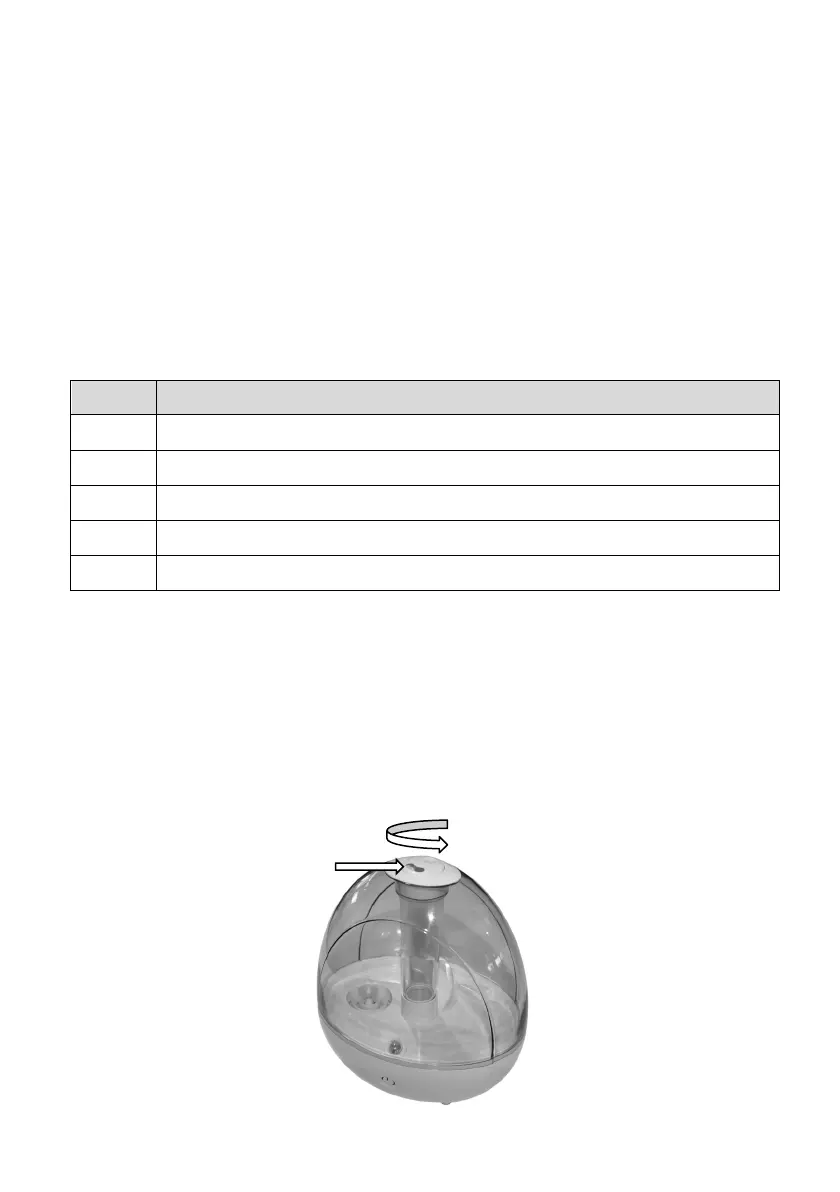
The mist being generated that vents out the top of the water tank can be
directed in your desired direction.
To adjust the direction, rotate the vent to your desired direction.



 To Next Page