EasyManua.ls Logo

Anova RC500 - User Manual

Anova RC500
28 pages
Print Icon
To Next Page IconTo Next Page
Loading...
Instructions - User Manual
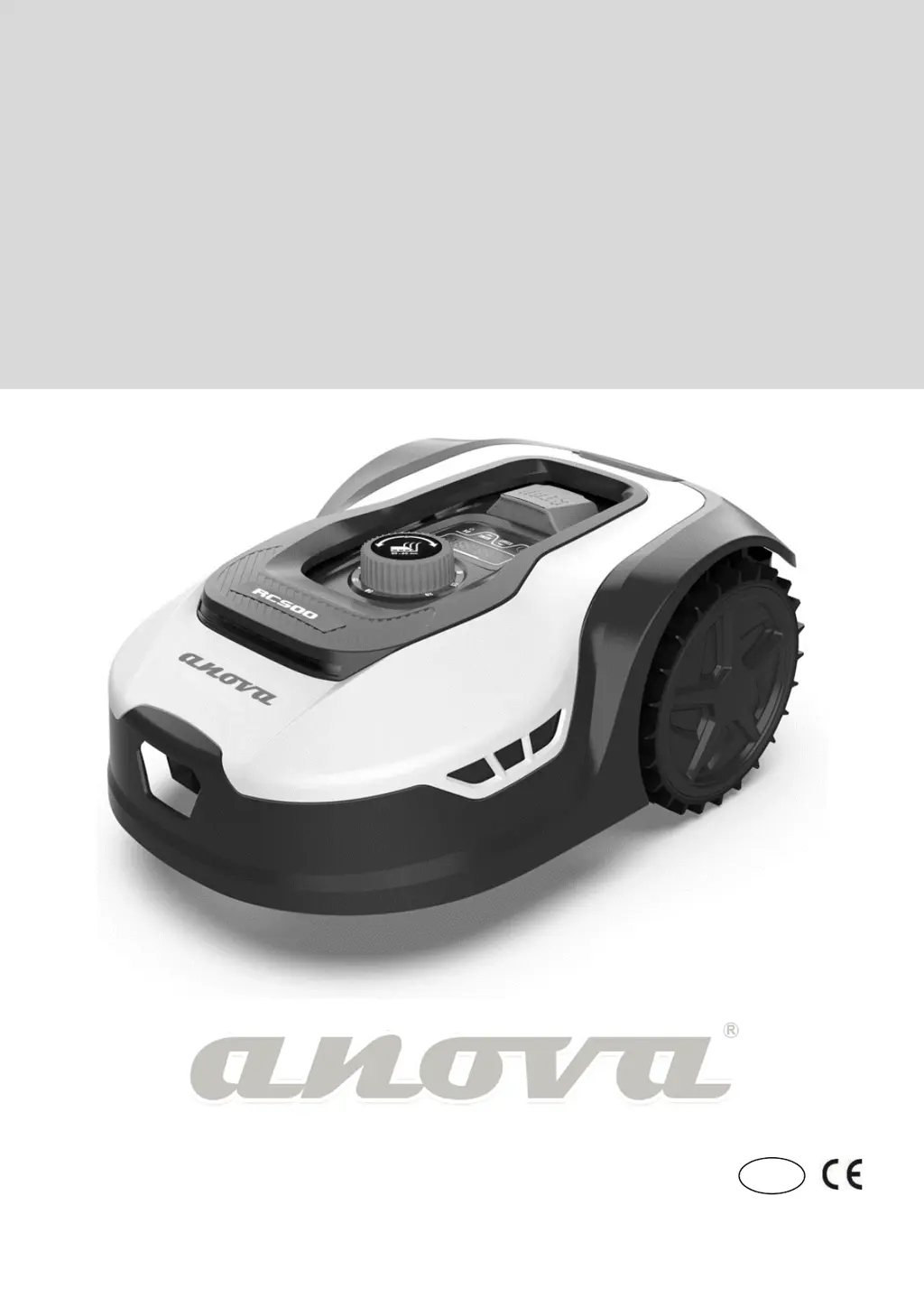
ROBOT LAWNMOWER
RC500
Millasur, SL.
Rúa Eduardo Pondal, nº 23 - Pol. Ind. Sigüeiro
15688 - Oroso - A Coruña - 981 696 465 - www.millasur.com
EN

Questions and Answers

  • J
    Jason Sexton Jr.Aug 17, 2025
    How to fix failed charging connection on Anova RC500?
    • R
      Rebecca BeckerAug 17, 2025
      To resolve a failed charging connection with your Anova Lawn Mower, ensure the perimeter wire on each side of the charging base is straight for 1 meter without any corners or obstacles. The charging station should be on level ground, not slanted. Manually dock the lawnmower on the charging base to charge it.
  • M
    marilynwhiteAug 20, 2025
    What to do if Anova RC500 shows battery temperature protection error?
    • L
      Lori PerezAug 20, 2025
      If your Anova Lawn Mower displays a battery temperature protection error, check the battery temperature. If it's too high, allow it to cool down. If it's too low (below 5°C), wait until it warms up. If the error persists, replace the battery and restart the lawnmower.
  • B
    Bradley SmithAug 22, 2025
    How to unlock the wheels on my Anova RC500?
    • J
      justinpriceAug 22, 2025
      If your Anova Lawn Mower's wheels are locked, turn it off and move it to an obstacle-free area. Turn it back on. If the error persists, turn it off again, flip the mower over, and check for any obstructions preventing the wheels from turning. Remove any obstructions, return the mower to its working position, and turn it on.
  • D
    Destiny SmithAug 26, 2025
    What to do if the knife disc is locked on Anova RC500 Lawn Mower?
    • K
      kimberlyhobbsAug 26, 2025
      If your Anova Lawn Mower's knife disc is locked, turn off the mower. Turn the mower over and check if there is anything preventing the blade disc from turning. Remove any obstruction. Put the robot in working position and move it to an area with short grass or adjust the cutting height. Switch on the robotic lawnmower.
  • J
    Jeremy PriceAug 28, 2025
    Why is my Anova RC500 outside the working area?
    • R
      Ryan AdamsAug 28, 2025
      If your Anova Lawn Mower is outside the working area, first check if it is inside the work area. If it was: Check if the charging base is properly connected to the charger and if the charger is connected to a suitable power source. If they are connected correctly, the perimeter wires may be attached incorrectly and need to be reversed.
  • S
    Sandy VasquezAug 30, 2025
    What does 'no limit sign' mean on Anova RC500 and how to fix it?
    • D
      dhughesAug 30, 2025
      If your Anova Lawn Mower displays a 'no limit sign' error, check the LED light on the charging station. If it's red, the perimeter wire might not be properly connected to the clamps on the charging base. If it's securely attached and the LED is still red, check for breaks in the perimeter wire.
  • H
    hernandeznicoleSep 2, 2025
    What to do if obstruction sensors trigger not retrieved on Anova RC500 Lawn Mower?
    • F
      fowlerdevinSep 2, 2025
      If the obstruction sensors on your Anova Lawn Mower are not retrieved, switch off the mower. Move it to an area free of obstacles. Remove the float cover and check the cylindrical magnet on it. If the magnet is missing, replace the float cover. Then, turn the power back on.
  • D
    David HolmesSep 5, 2025
    What to do if my Anova RC500 Lawn Mower is raised?
    • A
      Andrew ClarkSep 5, 2025
      If your Anova Lawn Mower is raised, switch it off and move it to an area of your lawn free from obstacles. Switch it back on. If the error persists, turn it off again, turn the robot over and check if anything is preventing the front wheel axle from slipping. Remove any obstructions, place the mower in working position, and switch it on.
  • A
    anna46Sep 8, 2025
    What to do if the rollover sensor has been activated on Anova RC500 Lawn Mower?
    • J
      Jenna WilliamsSep 8, 2025
      If the rollover sensor has been activated on your Anova Lawn Mower, bring the robotic lawnmower into working position.
  • K
    Katie SavageSep 12, 2025
    What to do if tilt sensors have been activated on Anova RC500?
    • K
      Kenneth ShepherdSep 12, 2025
      If the tilt sensors have been activated on your Anova Lawn Mower, switch it off. Place the mower on flat ground on your lawn and switch it back on.

Anova RC500 Specifications

General IconGeneral
BrandAnova
ModelRC500
CategoryLawn Mower
LanguageEnglish