19
Replacing the battery
Warning: Power off before attempting any adjustments, replacements, or repairs. Before
replacing blades, turn off your mower and put on protective gloves.
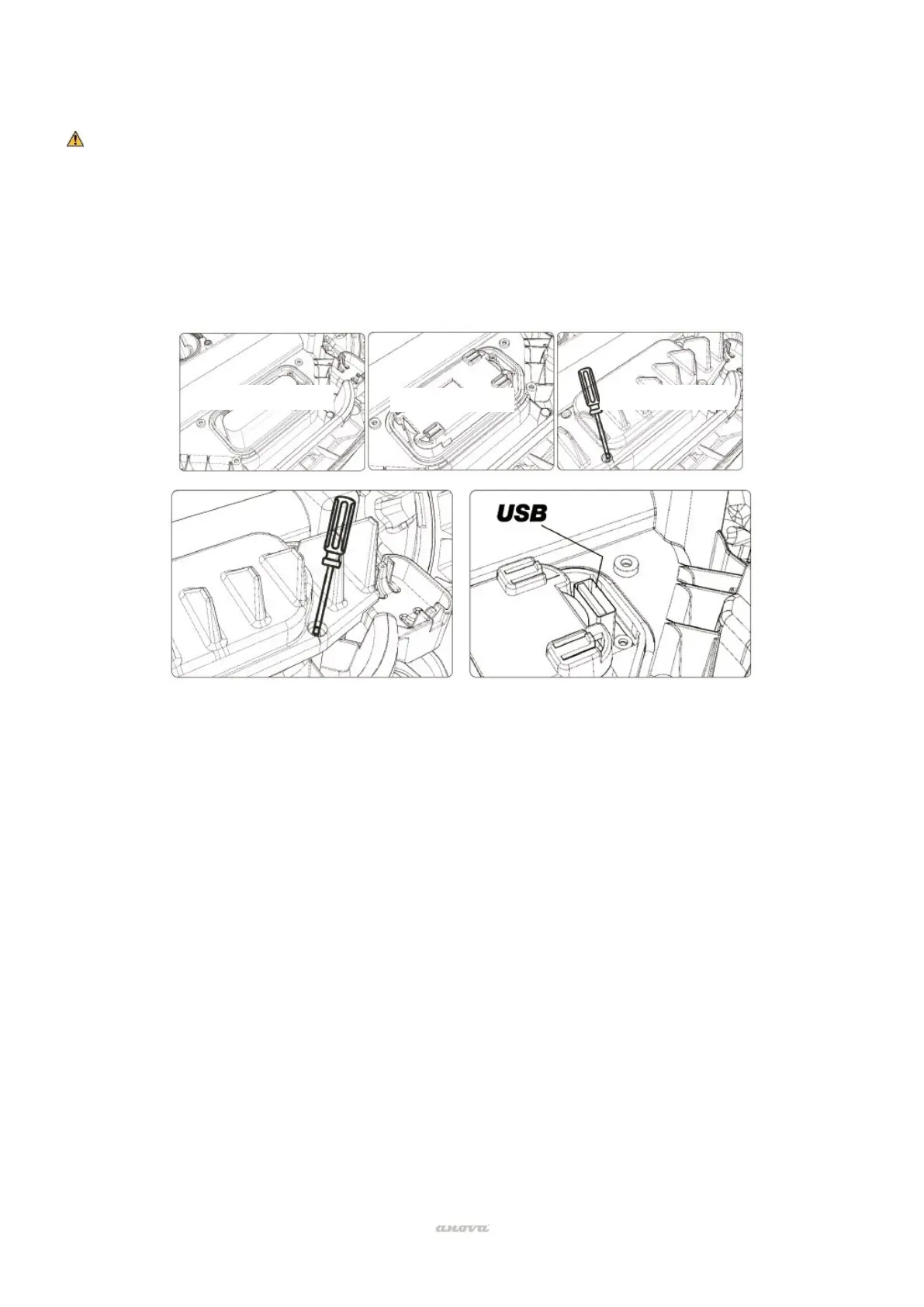
If you need to replace the battery, follow these steps:
• Turn your robotic lawnmower upside down.
• Remove the screws from the battery cover. Remove the battery cover.
• Pull out the old battery carefully. Press the latch and release the connectors.
Note: Do not pull on the cables. Hold the connectors and release the latch.
• Connect a new original battery by connecting the connectors until they click into position.
• Position the battery as shown, put the cover back in position and tighten the screws.


 To Next Page