20
10.CONNECT APP
The robotic lawnmower is an IOT (Internet Of Things) device. To get the full functionality of your
robotic lawnmower and to always keep it up to date with the latest software, it must be
connected to the Internet via your Wi-FI or Bluetooth 4.0.
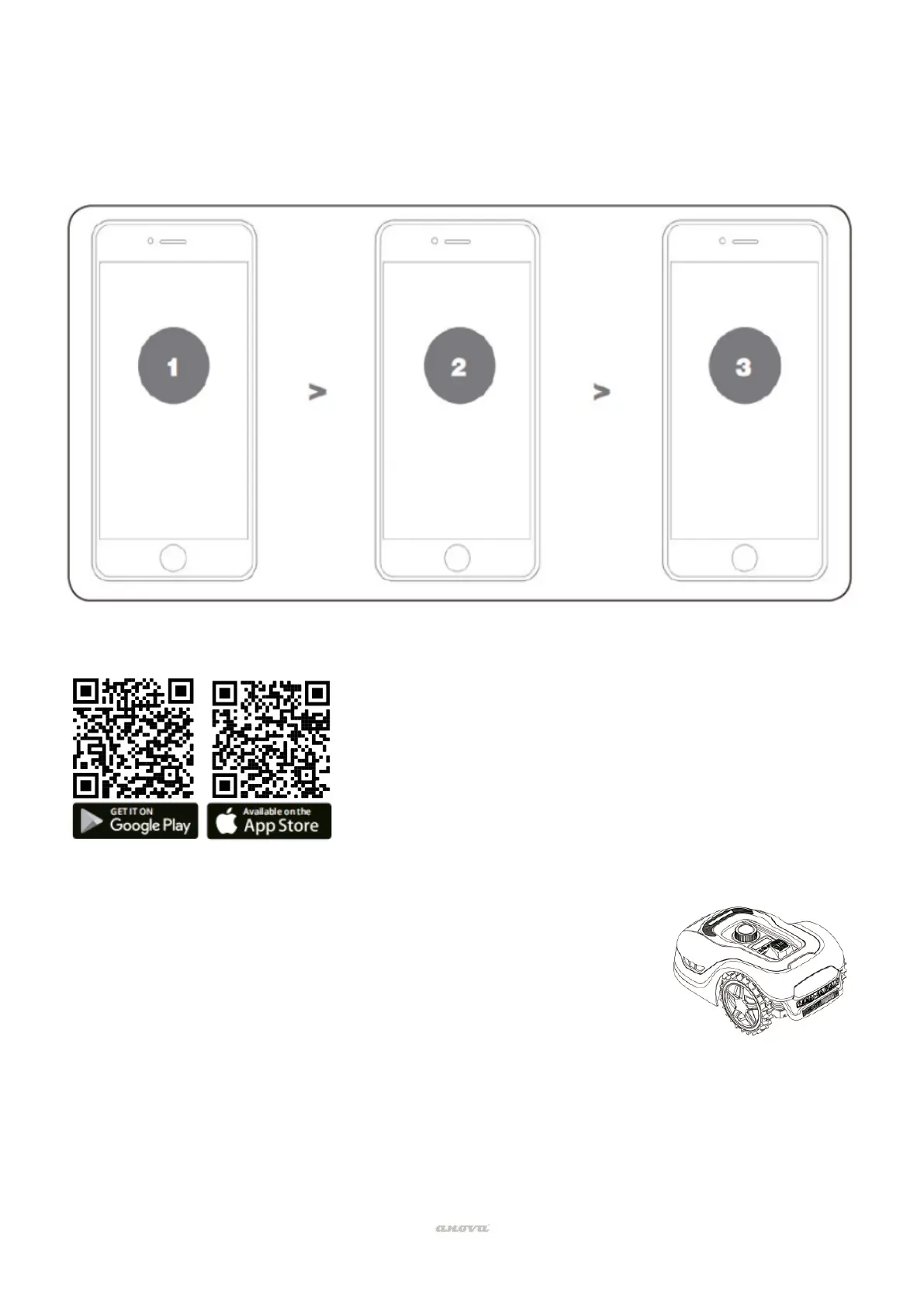
Download the app
Make sure you have:
• Your WIFI network password.
• Serial number of the robotic lawnmower. It can be found on the
label under the rear hood of the machine.
• If you don't want to write down the serial number, enter it by
scanning the QR code on the label with your phone's camera.
Check your WIFI settings
• The robotic lawnmower only works with 2.4 GHz.
• Make sure your lawn robot and your phone are connected in the same network
environments (router).
Please download the free app of the robotic lawnmower
first, get it from Android (4.4.2 or higher) or others like App
Store (iOS 11 or higher).
app
have the Wi-Fi
password and
device serial
number
settings


 To Next Page