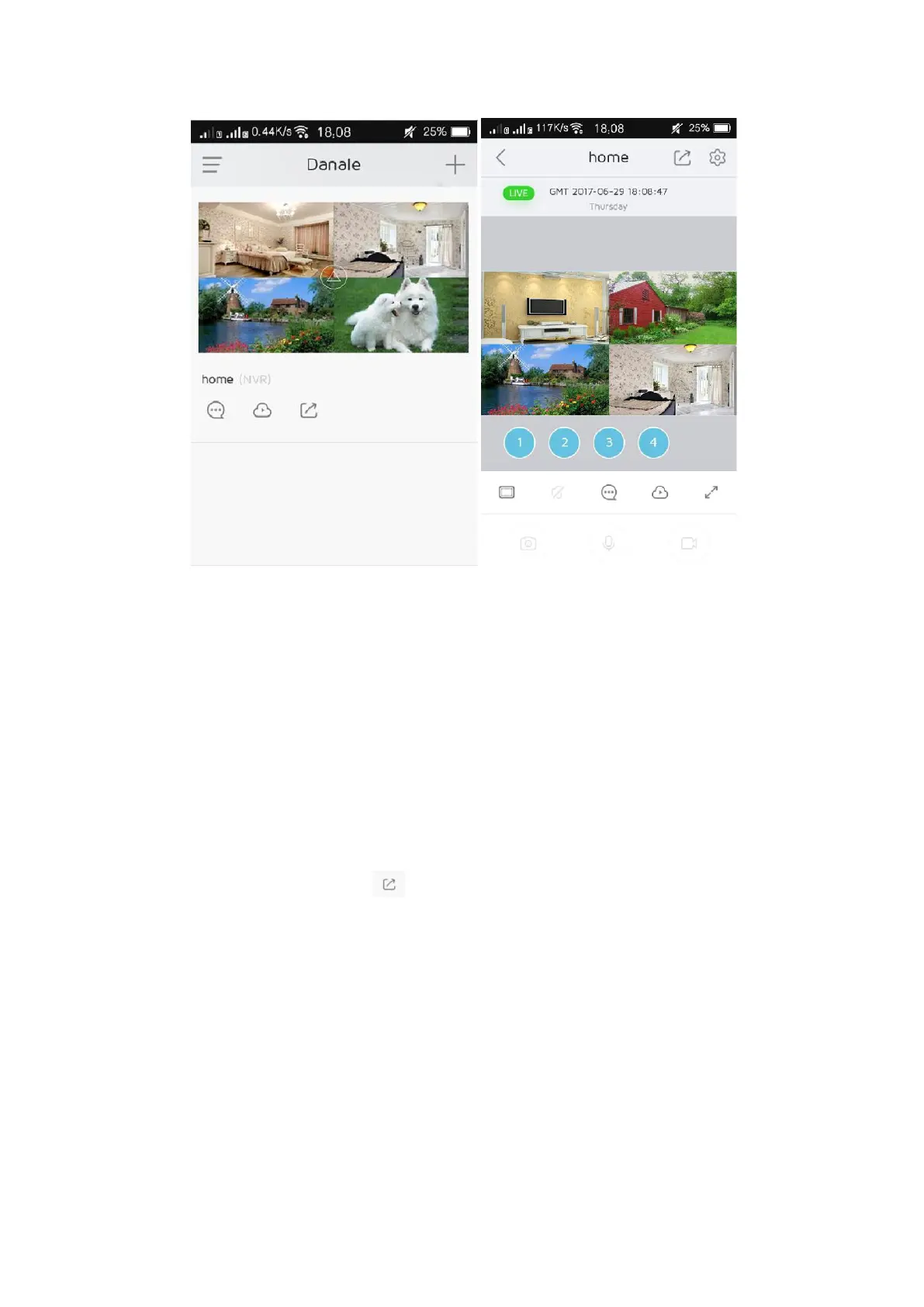
②Share your video screen
The first person who adds the device will be the only administrator. The
others who want to add the device to their Danale APP, they need to be
shared by the administrator. Please refer to follow steps to add device
by administrator's share.
Step1. The administrator (the first one who add the device) login the
APP and click the button “ ”, then input your family or friend Danale
APP account and click “Next”. The system will send a message to your
family or friend’s account.


 To Next Page