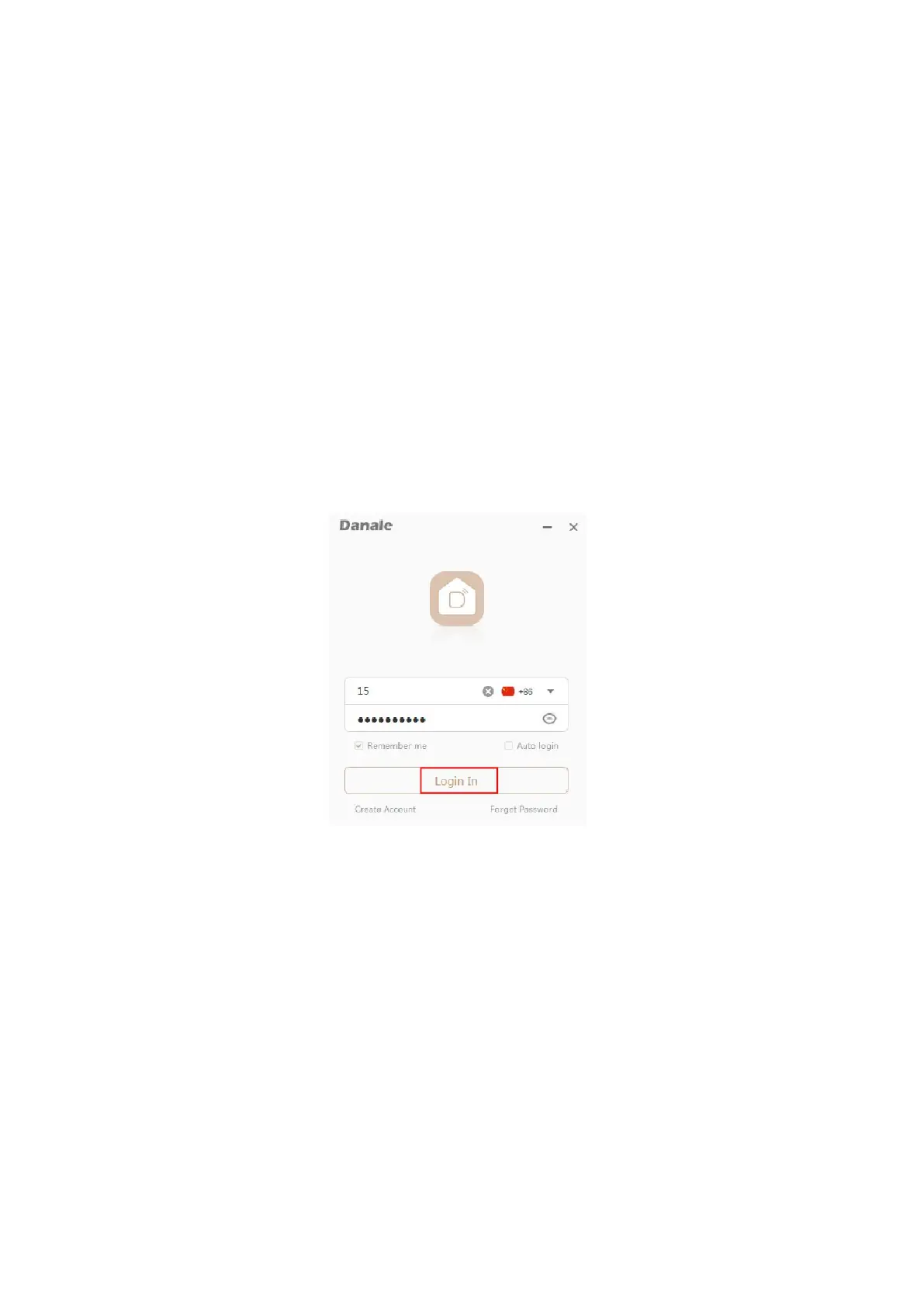
You can use the mobile phone Danale APP account to login the
"Danale"CMS client software, and the device which added by the Danale
APP will auto added to the "Danale"CMS.
Step1: Open "Danale"CMS, you can use the mobile phone Danale APP
account to login.
(Computer client software and mobile APP is the same account and
password).
(If you have not registered, please register one)
Step2:If your mobile APP has added the device, please double-click the
device on the left to directly view the camera screen.


 To Next Page