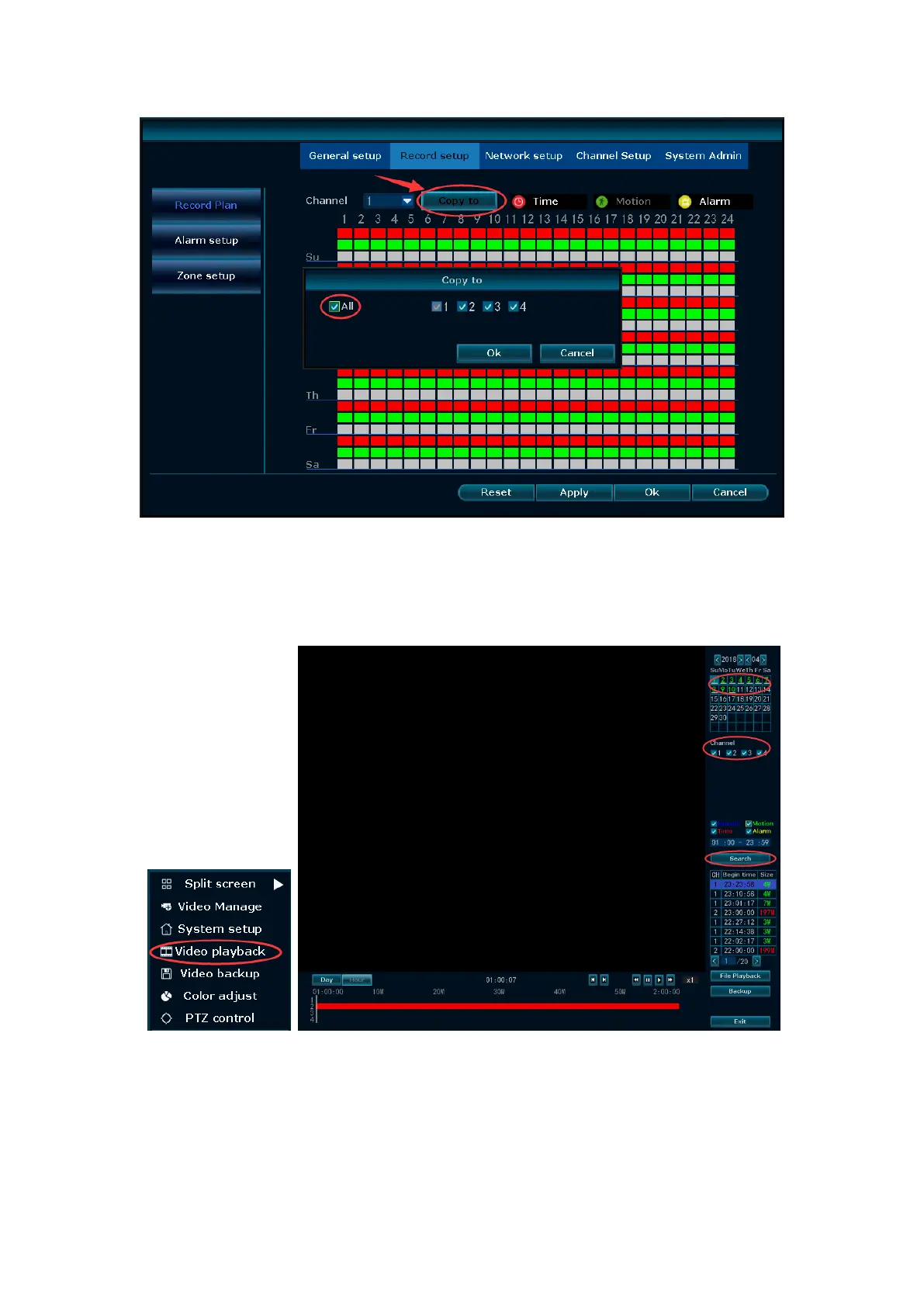
11. Playback video
In the NVR system, Choose Video playback. You will then enter the Video Playback
system. You can specify channels and time and search out videos. You can select the
video file you want to play back, and then double-click it to play it back.
12. Backup videos to USB storage
When you have recorded video in your hard disk, you can backup the video with USB
flash disk.
Plug an USB flash disk to your NVR's USB port→Click right button→Choose Video
backup→choose the channel and time period→Search→Choose the video clips you


 To Next Page