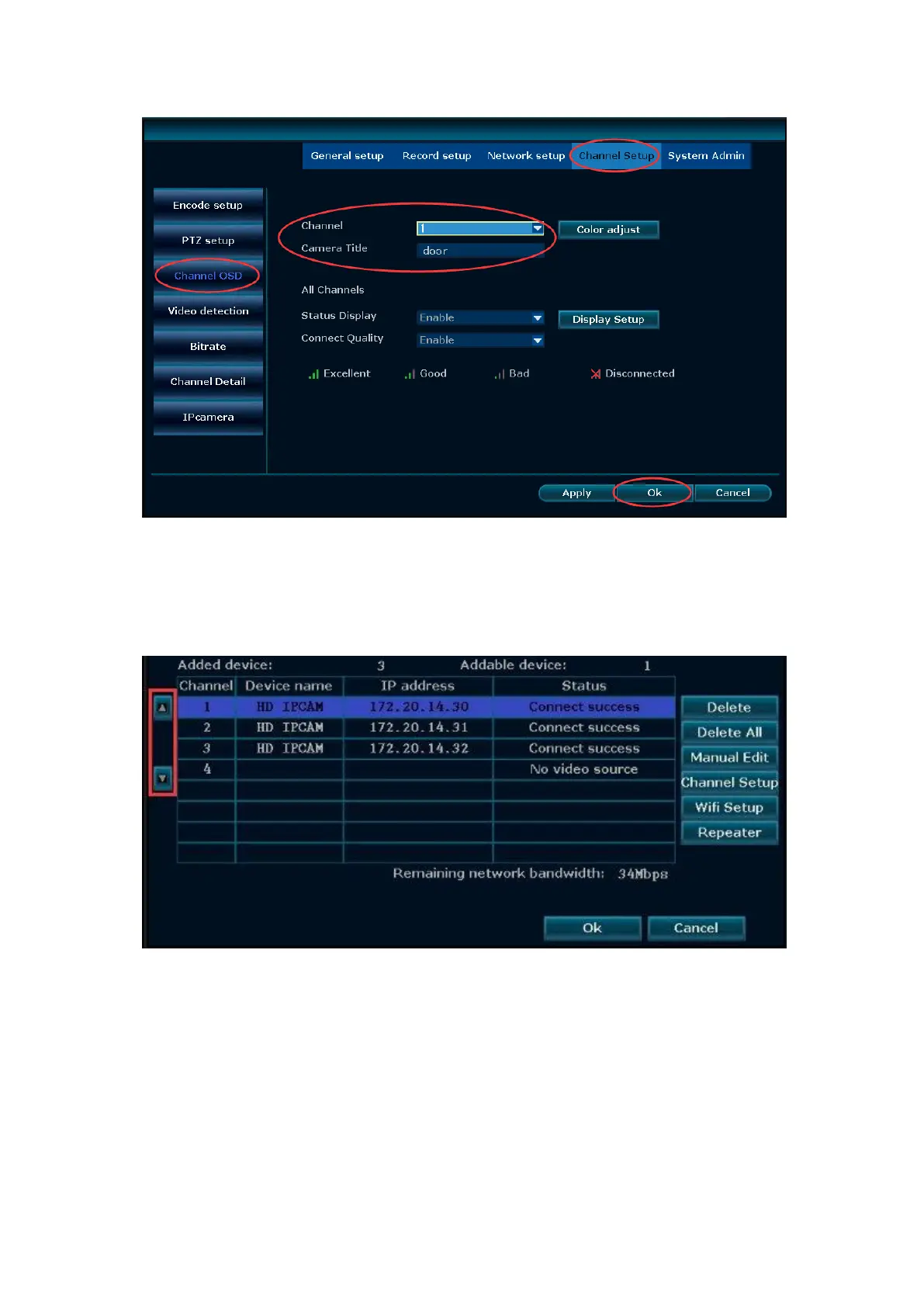
④ Change camera sequence
After the cameras are mounted, users may want to change the sequence of cameras
to get a better overview of the system. Simply use the UP and DOWN arrow buttons
in the Device Manage so you can change the sequence
14. Email notification
The Cloud ID should be ONLINE and the Network Status must say "Healthy Network"
first. Please prepare a Gmail address and set up the email notification as following
steps.
Step1. Login to your Google account on your PC, click “Signing in to Google.” Make
sure “2-Step Verification” is off and the “Allow less secure apps” is turned on.


 To Next Page