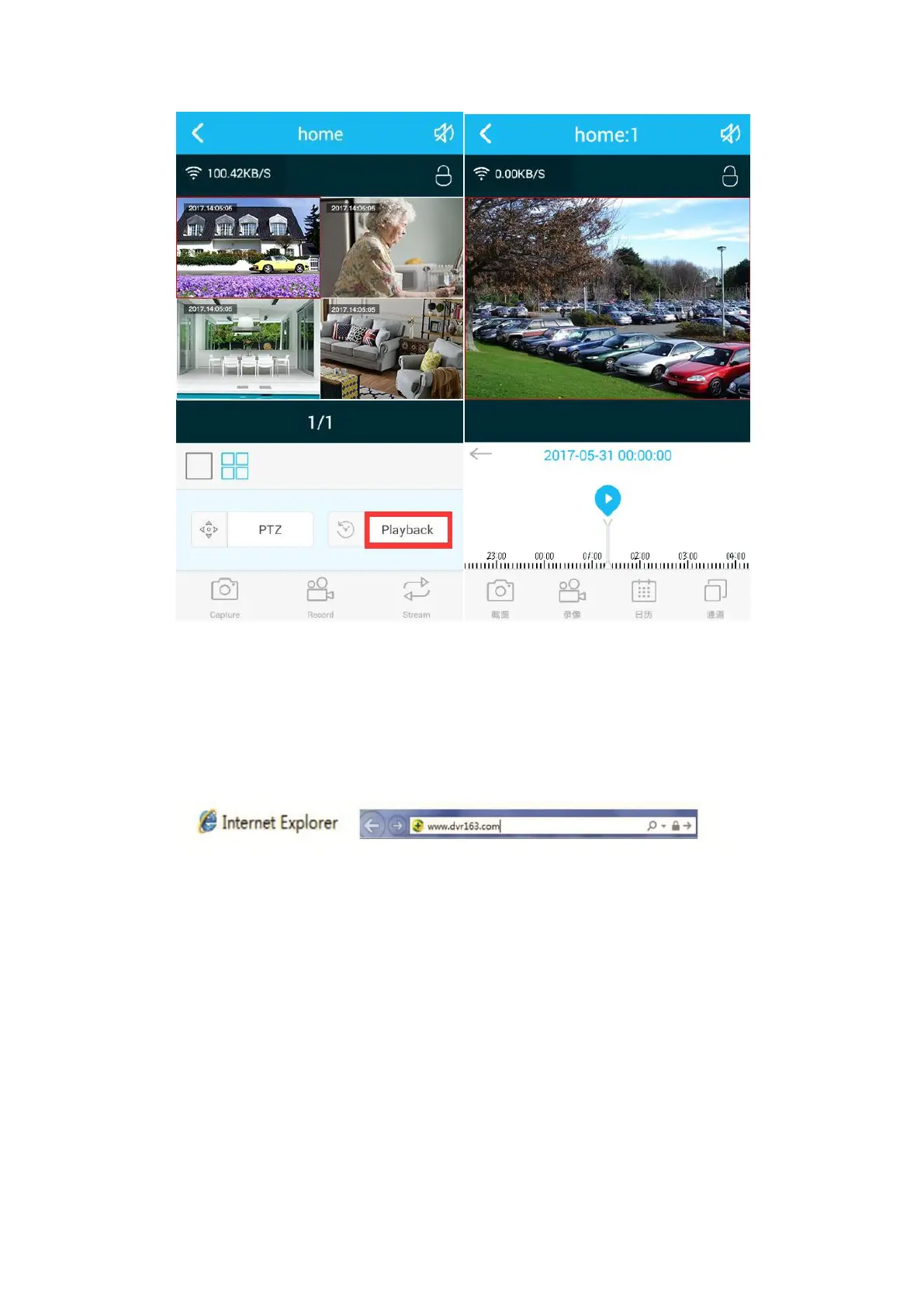
9. Viewing Camera on Computer or Laptop by IE.
You can view camera on computer or Laptop by IE in locate or remotely.
Step1. Open IE browser on your computer or Laptop, go to "www.dvr163.com". (If
you don't have IE browser, please download it first)
Step2. Choose English first, Click User name login→ Input your username and
password →click login. If this was the first time that you use it, please click “New
account” to apply an account.
Tips: If you have an account on your phone APP, then you can use the same account
to login.


 To Next Page