Measurement Examples Example 1: Standard CW Power Measurements
ML2437A/38A OM/PM PN: 10585-00001 Rev. P 7-7
10. Defining a relative power measurement
You may have a requirement not to measure the actual power output of a device but to
express the current power relative to a previously measured power. To do this, it is
necessary to define an absolute reference value.
Let us assume the actual power output at a given time is 10 dBm. You want to track
any change in power above or below 10 dBm. Press [Channel]
> [Rel 1]
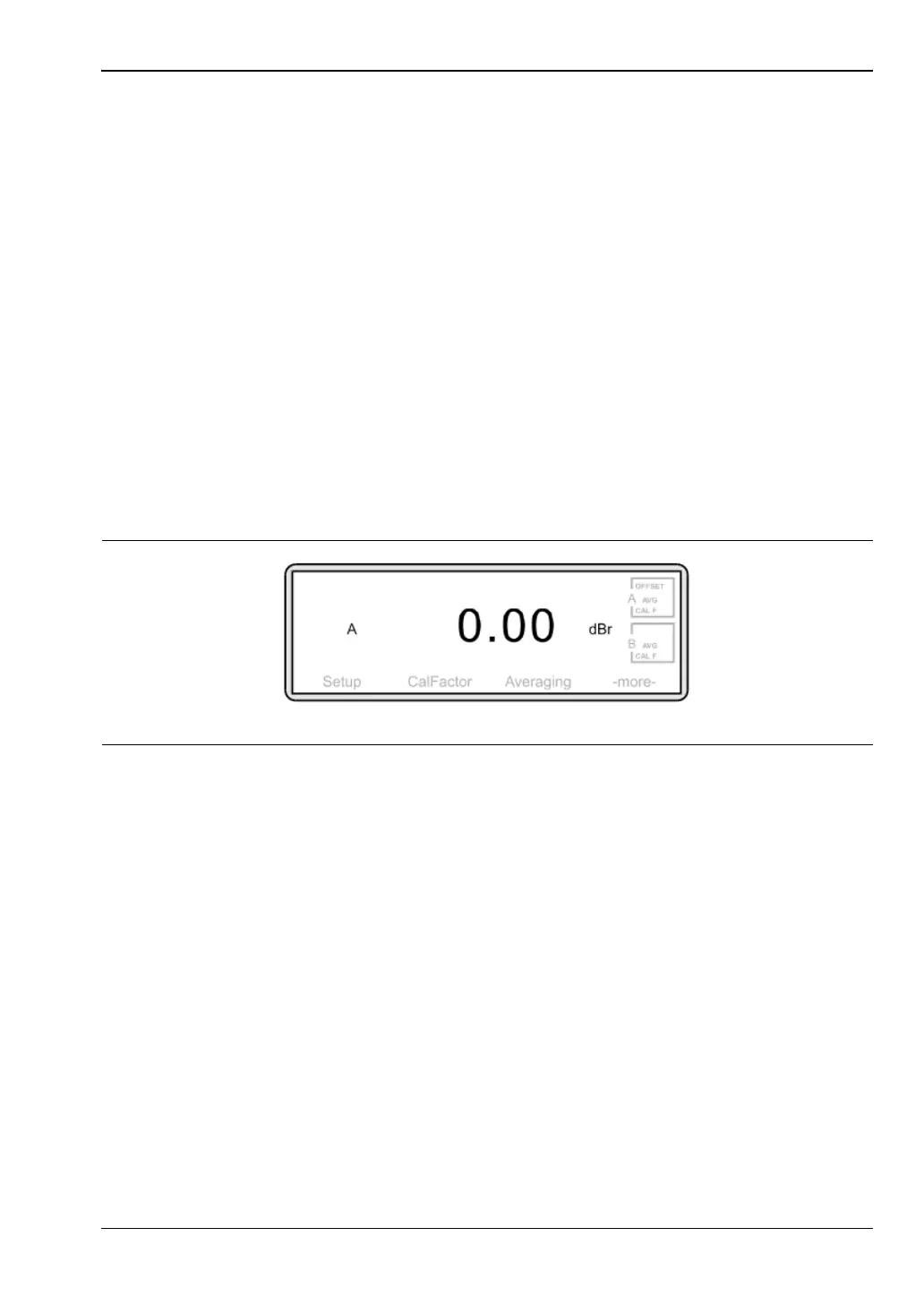
The display will change to 0.00 dBr and will measure future power LESS the
10 dBm absolute value.
Note that the measurement unit has changed to dBr.
If at any point you wish check the absolute value stored in the meter, press [Rel 1]
again. If at any point you wish to change the absolute value, press [Rel 1] for
approximately 2 seconds. This will then replace the stored absolute value with the
current measurement.
To check the absolute value, press [Rel 1] once. To re-define the absolute value, press
[Rel 1] for approximately 2 seconds.
[FAIL HOLD] When set to ON, if the power falls outside the range defined in
High Limit and/or Low Limit the Measurement screen will show
FAIL alongside the value. This will remain until the setting is
toggled off.
[BEEP] When set to ON, if the power falls outside the range defined in
High Limit and/or Low Limit, an audible beep will sound. If [FAIL
HOLD] is ON and a fail has occurred, a beep will sound every
second until [FAIL HOLD] is turned off or you press [CLR].
Figure 7-12.












 To Next Page