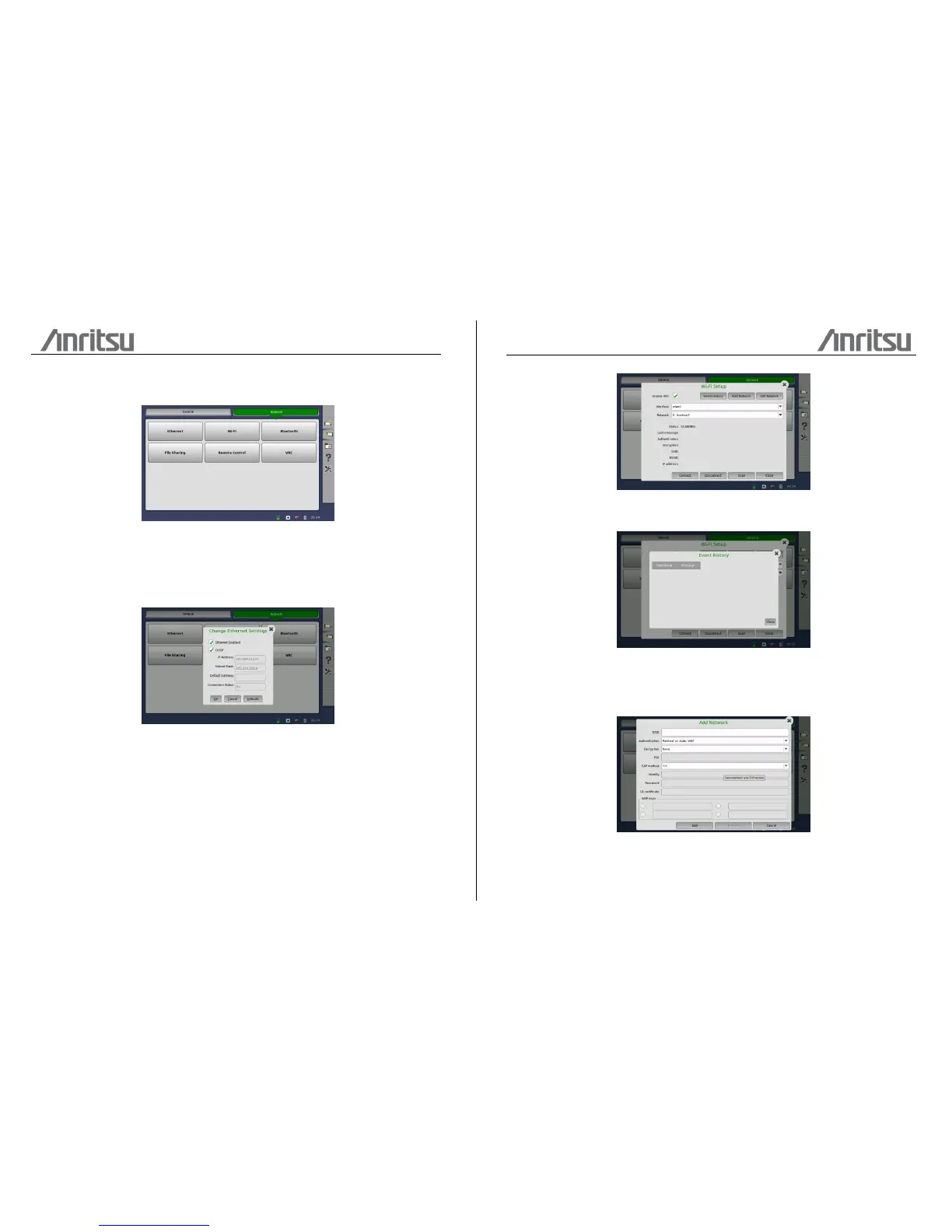
The Network tab contains the following configuration options for the instrument's
network connection:
Ethernet
Allows the instrument to be connected to the Ethernet either via dynamic
addressing (DHCP) or via manual specification of IP address, subnet mask and
default gateway.
WLAN
Allows the instrument to connect to a network via Wireless Local Area Network
(WLAN). Note that if WLAN is enabled, the instrument cannot connect to the
Ethernet via the Ethernet setting mentioned above.
Press the Event History button to display a list of recent events.
To add a network, press the Add Network button. To edit the settings of the
current network, press the Edit Network button. In both cases, the NetworkConfig
dialog is launched.





 To Next Page