Step 1. Place the machine on a flat, level hard and well ventilated surface area and reserve at least 50 cm open
space around the machine, and make sure there is no flammable gas or material nearby;
Step 2. Fill the fluid tank with Antari approved fog fluid, and make sure the tube is not twisted;
Step 3. Connect the machine to the power outlet. Please read the technical label on the back of the machine and
make sure the power outlet is the correspond to the rated voltage for the machine;
Step 4. Turn on the machine, warm up process takes approximately 7.5 minutes. Once the machine has reached
operating temperature, the LCD display will show “Ready To Fog”. Now the machine is ready for
operation;
Step 5. To Please refer to “8. Control Settings” for operating instruction;
Step 6. To turn off the machine, please make sure the machine is not operating then turn of the power. If you will
not use the machine a long period of time, please remove the power cord.
8. Control Settings
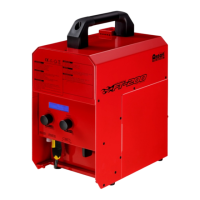
FT-200 Fire Training Fog Machine can be operated in the following modes. The machine can only accept 1 type of
signal at a time. When using different control modes at the same time, the machine will work according to built-in
control priority as follow:
Manual
Timer
DMX512
Wireless
Cable Remote
8.1 Control Panel Description
[TIMER] knob Middle is LCD Display [VOLUME] knob
Fogging in Timer Mode


 To Next Page