22
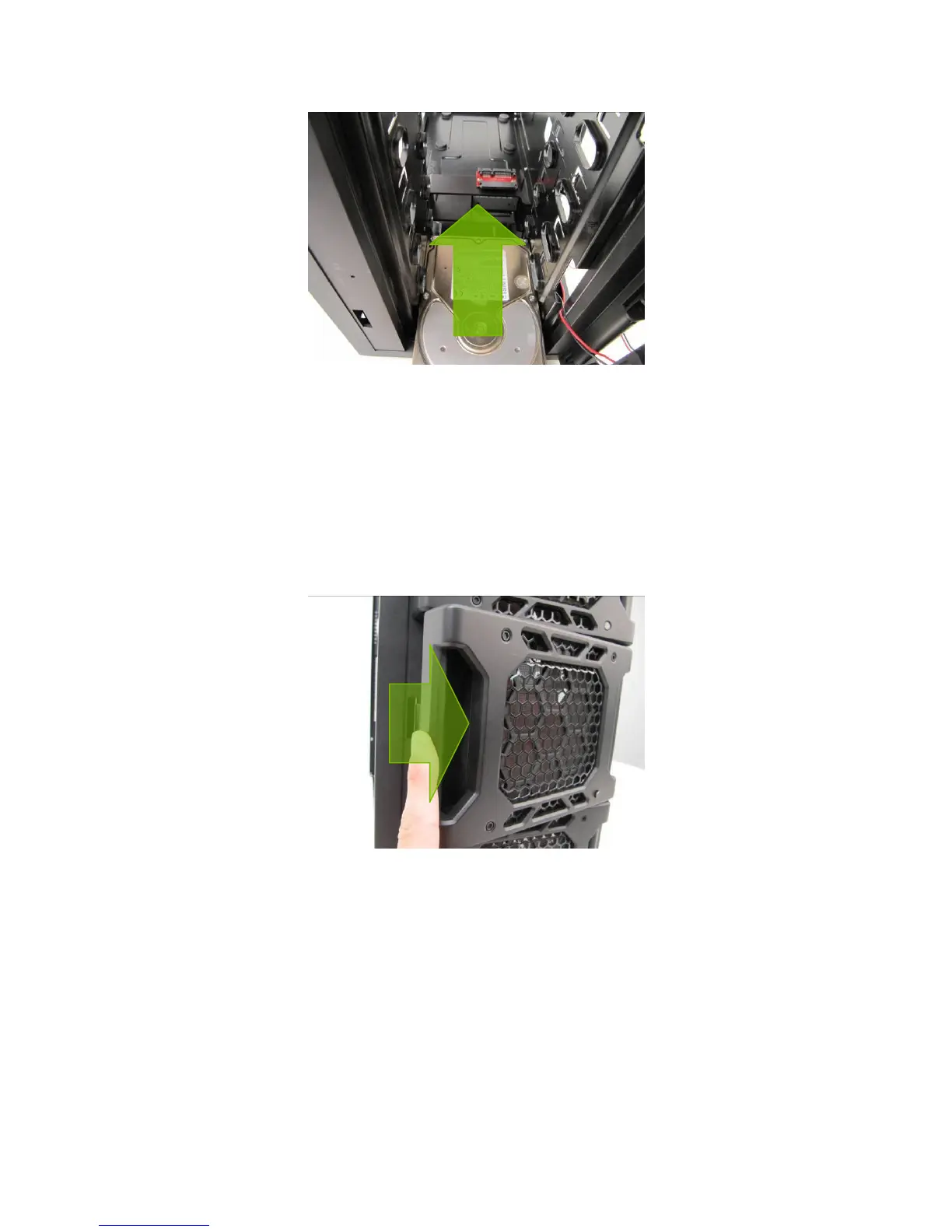
Loading a Fleet-Swap drive.
3. Mount any other 3.5” HDD devices accordingly.
4. Close the Fleet-ReleaseTM Access Door.
C. UNLOADING THE FLEET-SWAP™ BAYS
1. Ensure that your HDD is not in use.
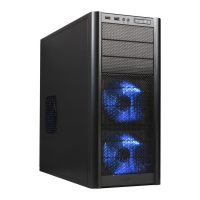
2. Open the Fleet-Release
TM
Access Door by pressing the left side to release it, and then swing it open.
Open the Fleet-Release Access Door to access the drive you want to unload.
3. Grasp the top and bottom of your HDD. Now pull the HDD free.


 To Next Page