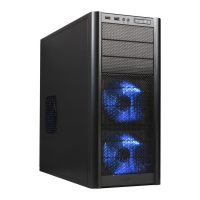
Need help?
Do you have a question about the Antec SX1030 and is the answer not in the manual?
Initial steps for handling computer enclosures, including unboxing and panel removal.
Detailed steps for installing the motherboard into the computer enclosure.
Guide to connecting ATX12V power supply connectors to the motherboard.
Instructions for installing 3.5-inch devices into the computer enclosure's drive bays.
Instructions for installing 5.25-inch devices into the computer enclosure's drive bays.
Connecting IDE devices like hard drives and CD-ROMs using ribbon cables.
Guide for installing optional cooling fans into the computer enclosure.
 General
| Brand | Antec |
|---|---|
| Model | SX1030 |
| Category | Computer Accessories |
| Language | English |


 To Next Page