3
4
IDE Cable Connection
This is for IDE devices only.
1. After you have connected the devices to the power supply, you need
to connect the IDE cables between the devices and the motherboard.
2. For hard drives and CD-ROM’s, use the 40-pin IDE ribbon cables. For floppy
drives, use the 34-pin IDE ribbon cables. These should come with your devices
and have a red strip on side. When you connect a ribbon cable to a device, make
sure that the red strip is toward the power connector.
3. The side that attaches to devices should be the side that has 2
connectors. This will enable you to connect another device if you wish.
4. Connect the far end of the cable to your motherboard on the IDE port,
either IDE 1 or IDE 2.
Fan Installation
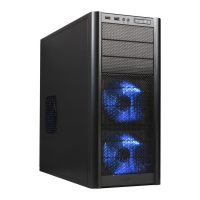
The case comes with two 80mm cooling fans installed in the rear of the case. The fans are
installed in the manner that the air is blowing out of the case.
The case has two optional 80mm cooling fans that can be installed in the front of the case.
One of the optional fans is located inside the lower 3.5" drive cage. You should install the
fan first before you mount your drives into the cage.
Note: Antec cooling fans blow in the direction that the Antec logo is facing.
1. With the Antec logo facing inwards, drop the fan into the fan bracket and
push it in until it clips on.
2. Connect a large 4-pin white connector from the power supply to the male
4-pin connector on each of the fans.



 To Next Page