10
GX700 User Manual
2.1 Setting Up
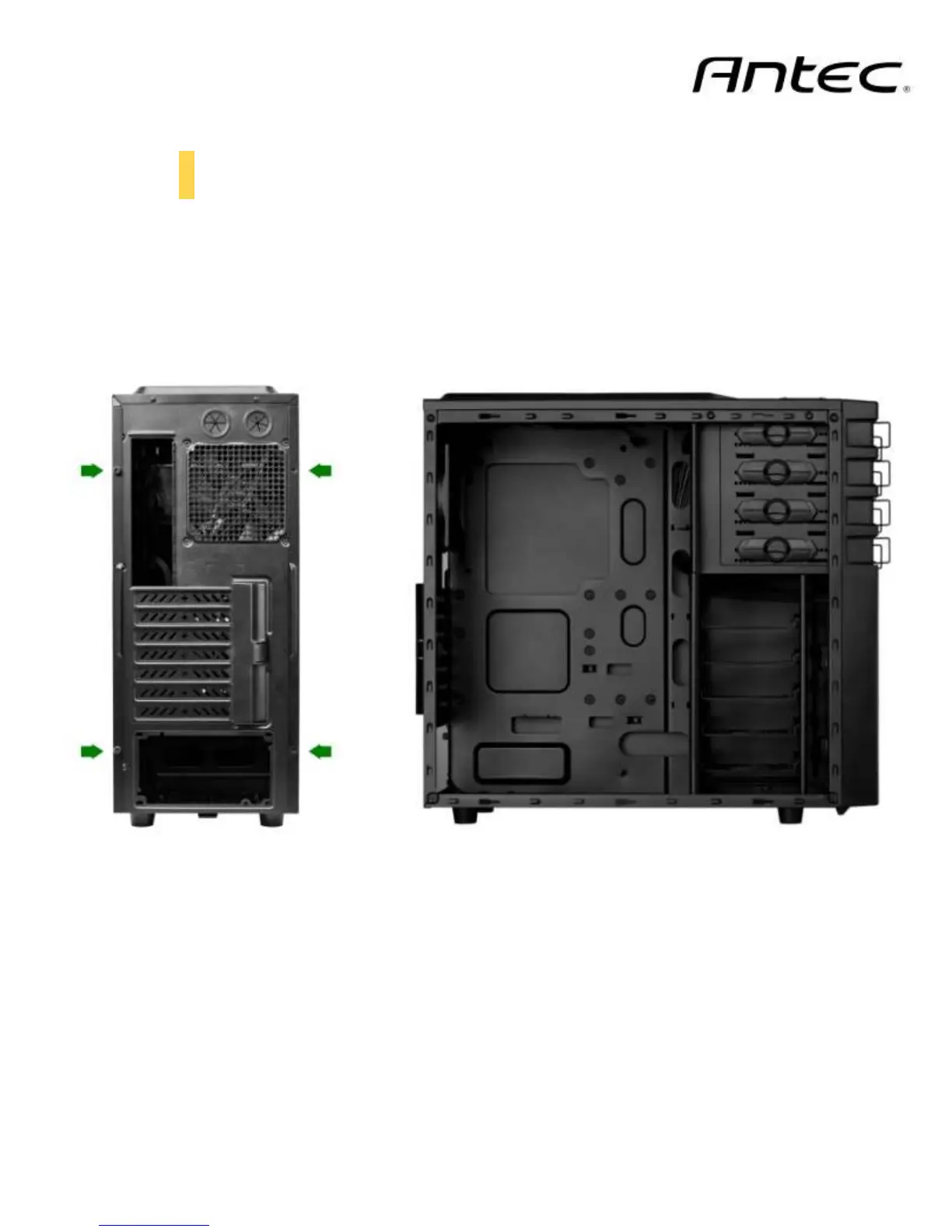
Put the case upright on a flat, stable surface so that the rear panel (power supply and expansion slots) is
facing you.
To remove the left and right side panels, remove each of the two thumbscrews, and then slide the side
panel towards you.
Note: Place the panel thumbscrews aside in a safe place.
CAUTION: Do not use your fingernails to pry or lift the panels. Damage to the panels or injury to your
fingernails may result.



 To Next Page