16
2.6 Internal 3.5” Device Installation
The GX700 includes 5 drive holders. You will need one for each 3.5” drive.
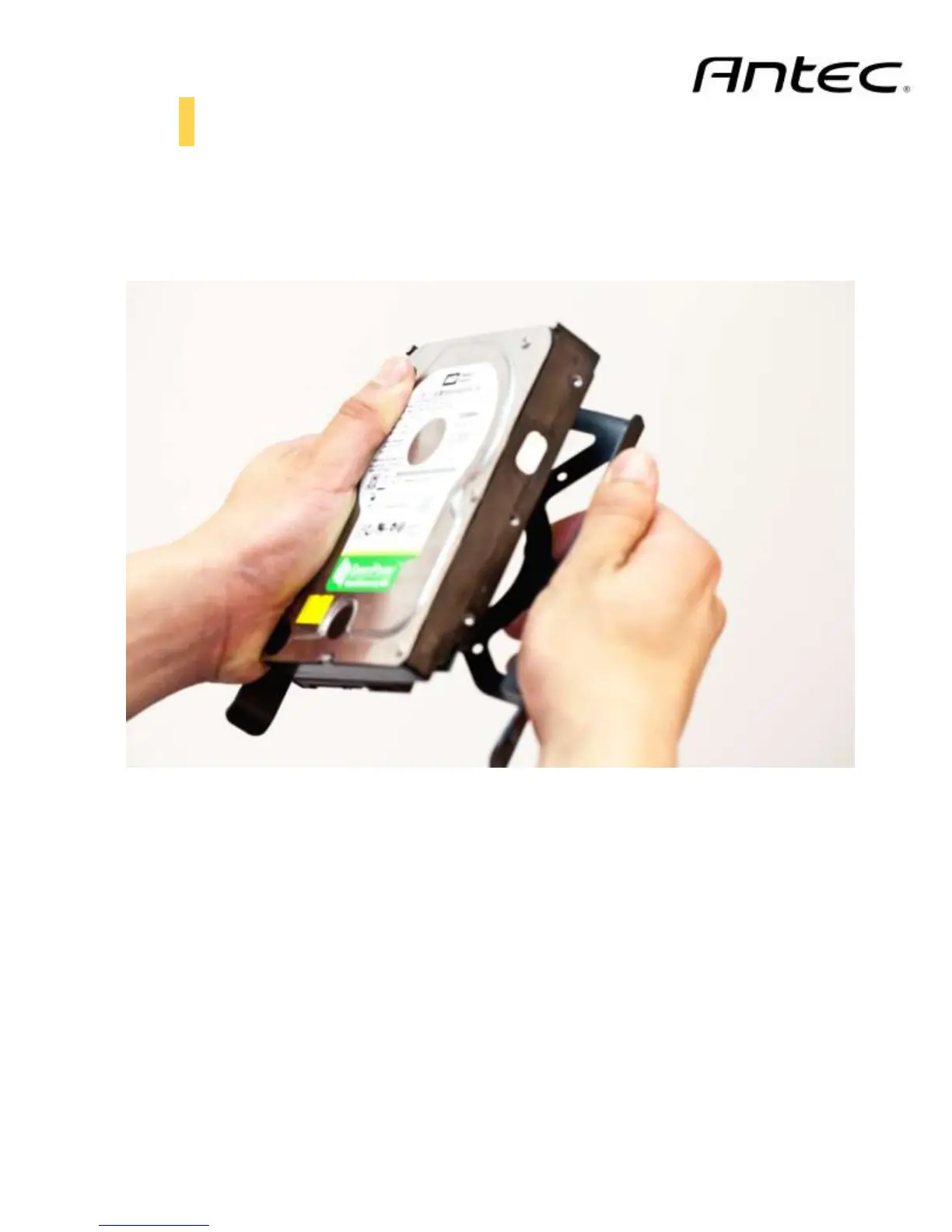
1. Insert three pins on the drive holder into three holes on the side of your 3.5” drive.
2. Slightly bend the drive holder to snap the drive into place.
3. Pinch the ends of the drive holder together and slide the drive into the 3.5” bay until it locks into
position.
Slightly bend the drive holder to snap the drive into place



 To Next Page