17
2.7 Internal 2.5” Device Installation
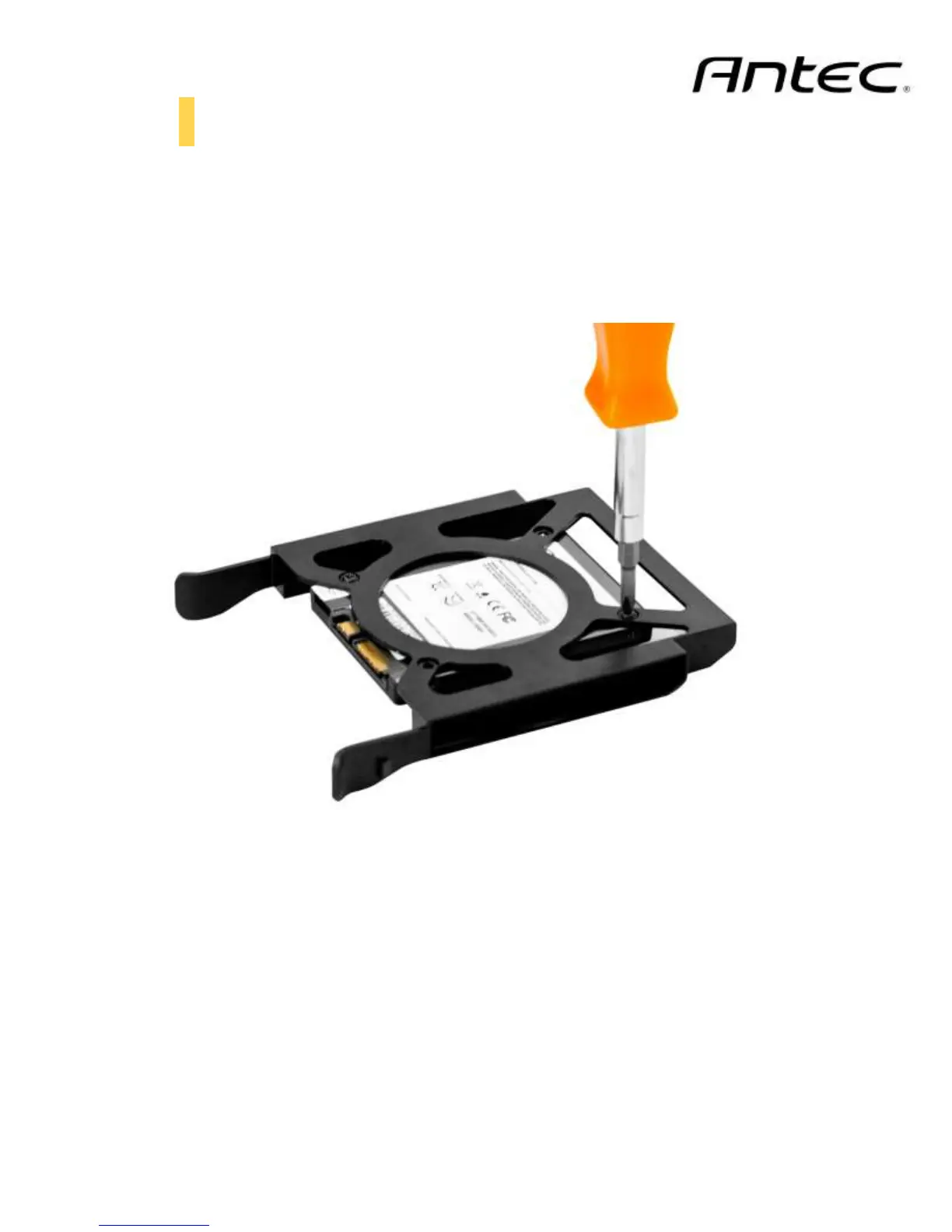
Each of the five 3.5” drive bays also support 2.5” drives:
1. Align your 2.5” drive with the holes of the drive holder
2. Secure your drive with the 2.5” screws provided (C in Section 1.3)
3. Slide the drive holder back into the drive rails
Align and secure the 2.5” drive onto the drive holder



 To Next Page