22
Side 120 mm fans
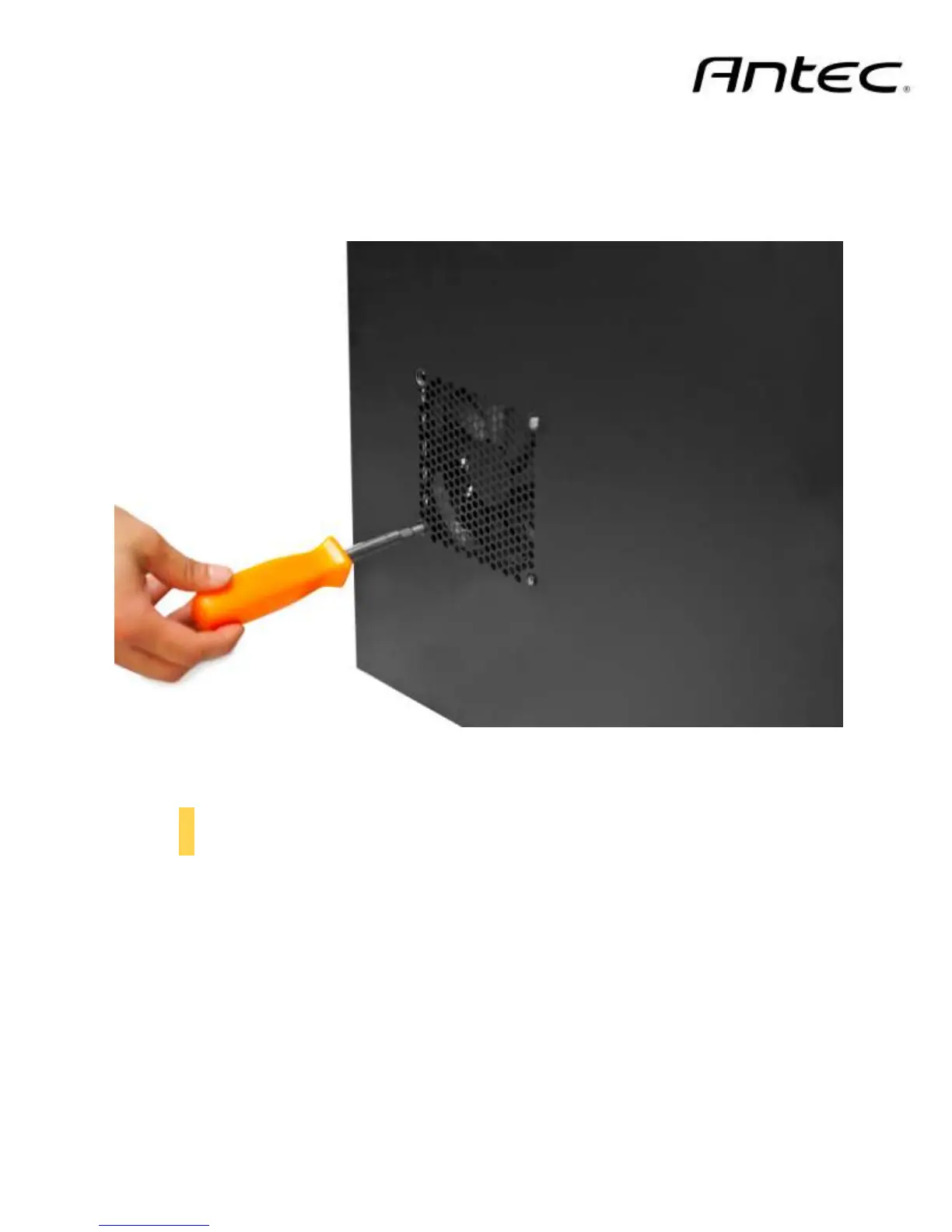
On the side panel, there is one mount for a 120 mm intake fan.
1. Align your fan with the screw holes. The fan should be installed with air blowing into the case.
2. Screw in the fan screws (C in Section 1.3)
3.3 Air Filters
There are two filters in the GX700 that can be removed and cleaned: the front filter and the PSU intake
filter. You can access the front filter by removing the metal filter panel and pushing down on the tabs at
the top of the filter.
Screw the side fan into place by aligning it and screwing it in



 To Next Page