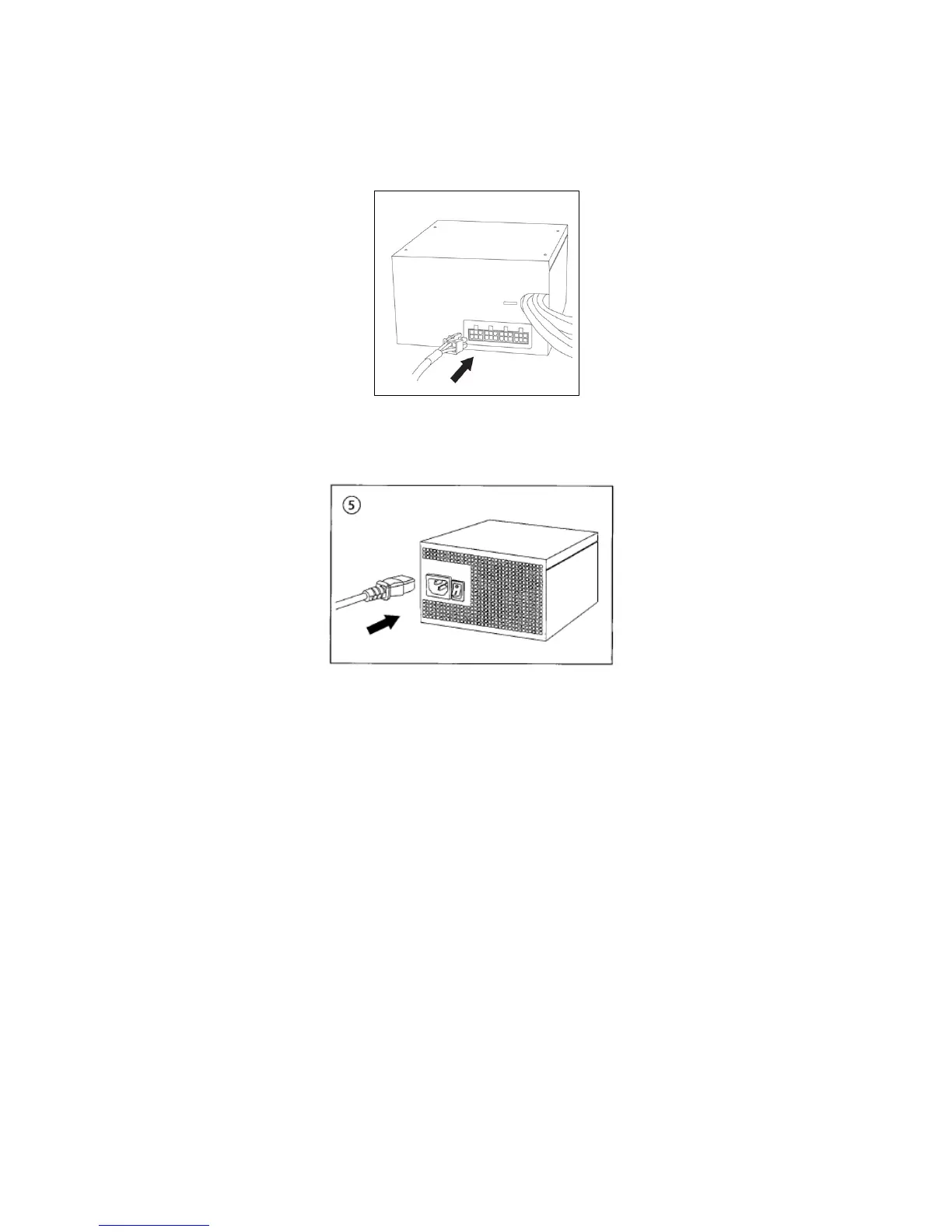
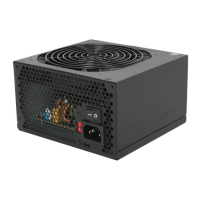
4. Connect the cables from the cable pack to the socket on the power supply as needed. If you are going to
plug the additional PCI-E cable into the PSU, it should go into the red socket. If the red socket is not being
used for PCI-E, then it can be used for another cable from the pack that accompanied the PSU.
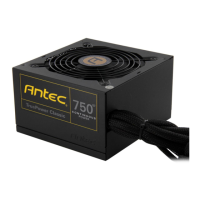
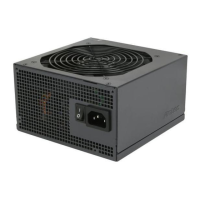
5. Connect the AC power cord to the power supply AC inlet. Please be sure to use the heavy-duty cord
supplied with your TP-650. Turn the switch to the “|” position after you have connected all the devices
and are ready to turn on your computer.





 To Next Page