I
NSTALLATION
:
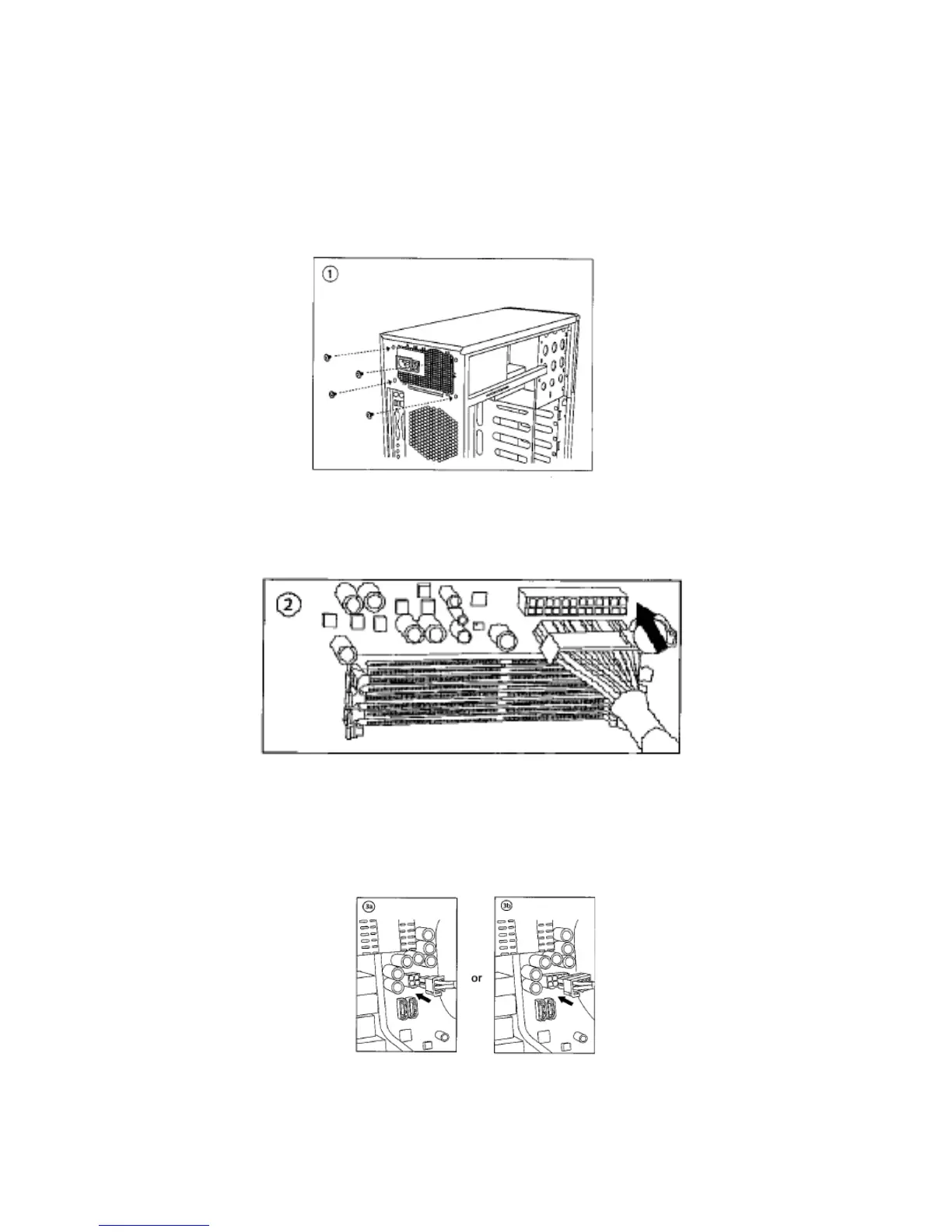
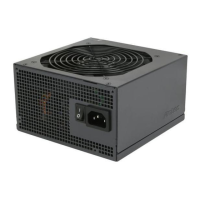
1. Install the TP-650 PSU into your case with the four screws provided.
2. Connect the 24-pin main power connector to your motherboard. If your motherboard uses a 20-pin
connector, detach the 4-pin attachment on the 24-pin connector.
Note: The detachable 4-pin section cannot be used in place of a 4-pin +12V connector.
3. Connect the 8-pin or 4-pin ATX12V connector for the CPU to the appropriate connector on your
motherboard. If your motherboard has an 8-pin socket with a cover on some of the openings, we
recommend that you remove the cover and use the 8-pin connector.
Note: Please also refer to your motherboard user’s manual for any special instructions.





 To Next Page