6.5 Routing System
With the EasyPanel Control Panel, we managed to greatly simplify our routing system without sacrificing any of its
flexibility. When you become acquainted with with the Discrete 4 inputs and outputs, routing is simply a matter of
navigating through a few drop-down menus!
6.5.1 Discrete 4 Inputs and Outputs
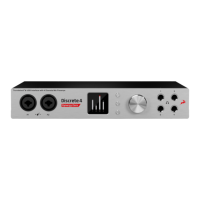
In the routing system, the inputs and outputs of the Discrete 4 are organized as follows:
General (https://en.antelopeaudio.com/support/user-manuals/discrete-4/#tab-1519210281-1-56)
Digital Outs (https://en.antelopeaudio.com/support/user-manuals/discrete-4/#tab-1519210281-2-98)
Analog Outs (https://en.antelopeaudio.com/support/user-manuals/discrete-4/#tab-1519211216678-2-4)
DAW (https://en.antelopeaudio.com/support/user-manuals/discrete-4/#tab-1519211232584-3-2)
PREAMP 1-4
These are the 4 Discrete Mic Preamps.
COMPUTER PLAY 1-16


 To Next Page