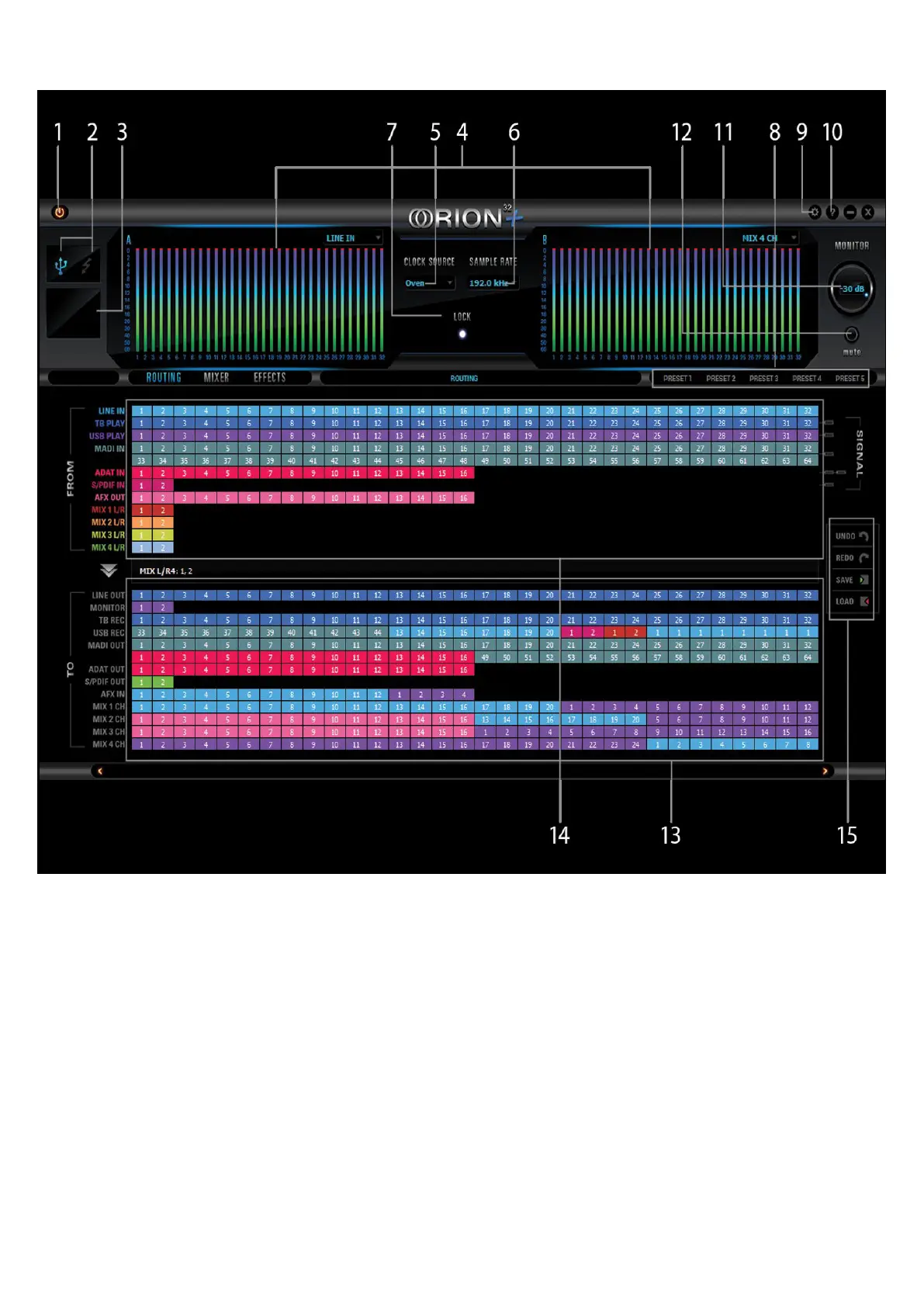
7.1. Routing Tab and Main View options
The universal panel view sits constantly on the upper half of the control panel, allowing for quick
access to the most important features.
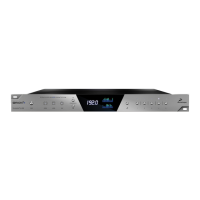
Main view:
1. Power/Standby button
2. Connectivity display (indicates how your Orion32+ is connected to your computer -
via ThunderboltTM or USB)
Antelope ASIO on Windows & Mac OS X.
18. Monitor Outputs
A stereo pair (2 x TRS) of balanced outputs to connect a pairs of monitors.
19. D-SUB 25pin Analog Outputs (on top)
Four connectors enable you to attach breakout cables, each with 8 lines.



 To Next Page