The universal panel view sits constantly on the upper half of the control panel, allowing for quick
access to the most important features.
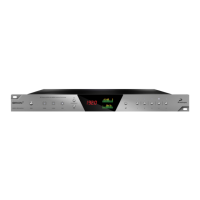
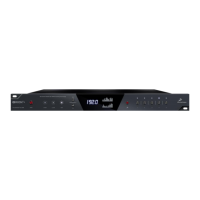
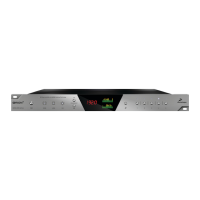
Main view:
1. Power/Standby button
2. Connectivity display (indicates how your Orion32+ is connected to your computer -
via ThunderboltTM or USB)
Antelope ASIO on Windows & Mac OS X.
18. Monitor Outputs
A stereo pair (2 x TRS) of balanced outputs to connect a pairs of monitors.
19. D-SUB 25pin Analog Outputs (on top)
Four connectors enable you to attach breakout cables, each with 8 lines.
20. D-SUB 25pin Analog Inputs (on bottom)
Four connectors enable you to attach breakout cables, each with 8 lines.
7. Software Control Panel












 To Next Page