Pure2 User Manual 20
USB REC SOURCE
Choose the audio source for computer recording – Sine wave, A/D, USB Outputs 1 - 4,
Digital Input.
DIG OUT SOURCE
Choose the audio source for the digital outputs - Sine wave, A/D, USB Outputs 1 - 4,
Digital Input.
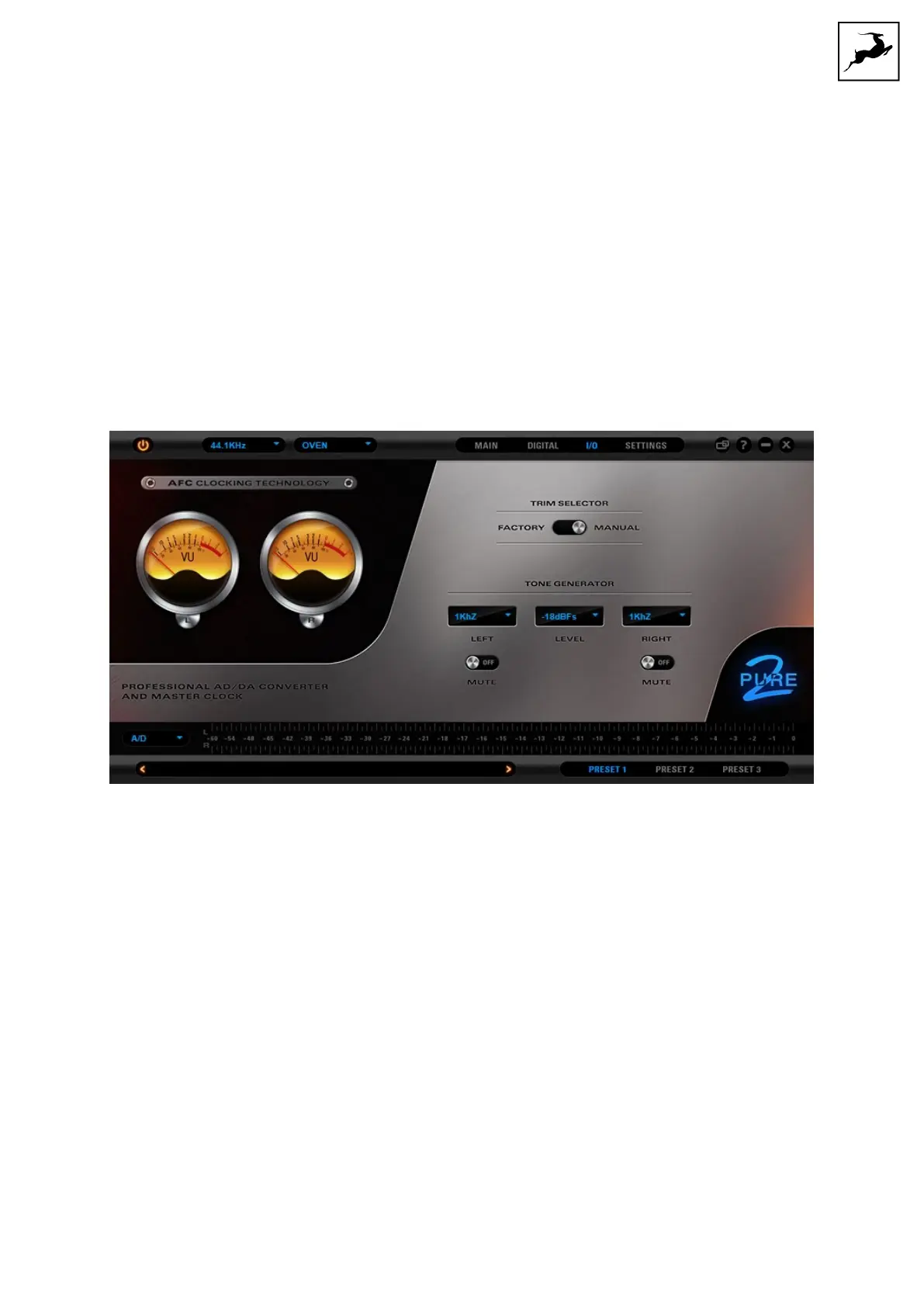
5. 'I/O' tab
Contains an output signal trim selector with 'Factory' or 'Manual' settings. Manual
adjustments are made from the adjustment screws on the unit's rear panel.
There's also a test tone generator with left and right channels for calibration and
troubleshooting.


 To Next Page