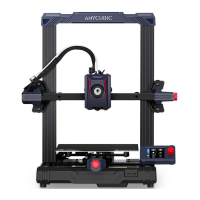
Anycubic Kobra 2 Neo
Quick Start Guide
I.Machine Installation
The TF card of the machine comes with an instruction video.
l)lnstall frame
2)lnstalI print head
3)lnstaII screen
4)lnstaII Filament holder
PEI sheet
Note: Please install PEI sheet.
2.Check Before Use
1)Pulley elastic adjustment
Check if the print head is shaking. If it is, adjust the hexagonal isolation column
located underneath the print head until it slides smoothly and without shaking.
o
Print head
Check if the print bed is shaking. If it is, adjust the hexagonal isolation column
located underneath the print bed until it slides smoothly and without shaking.
Platform
Similarly, the pulleys on both sides of the gantry frame can also be adjusted.

 Need help?
 General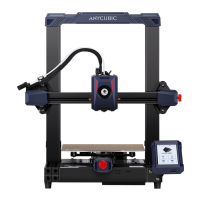









 To Next Page