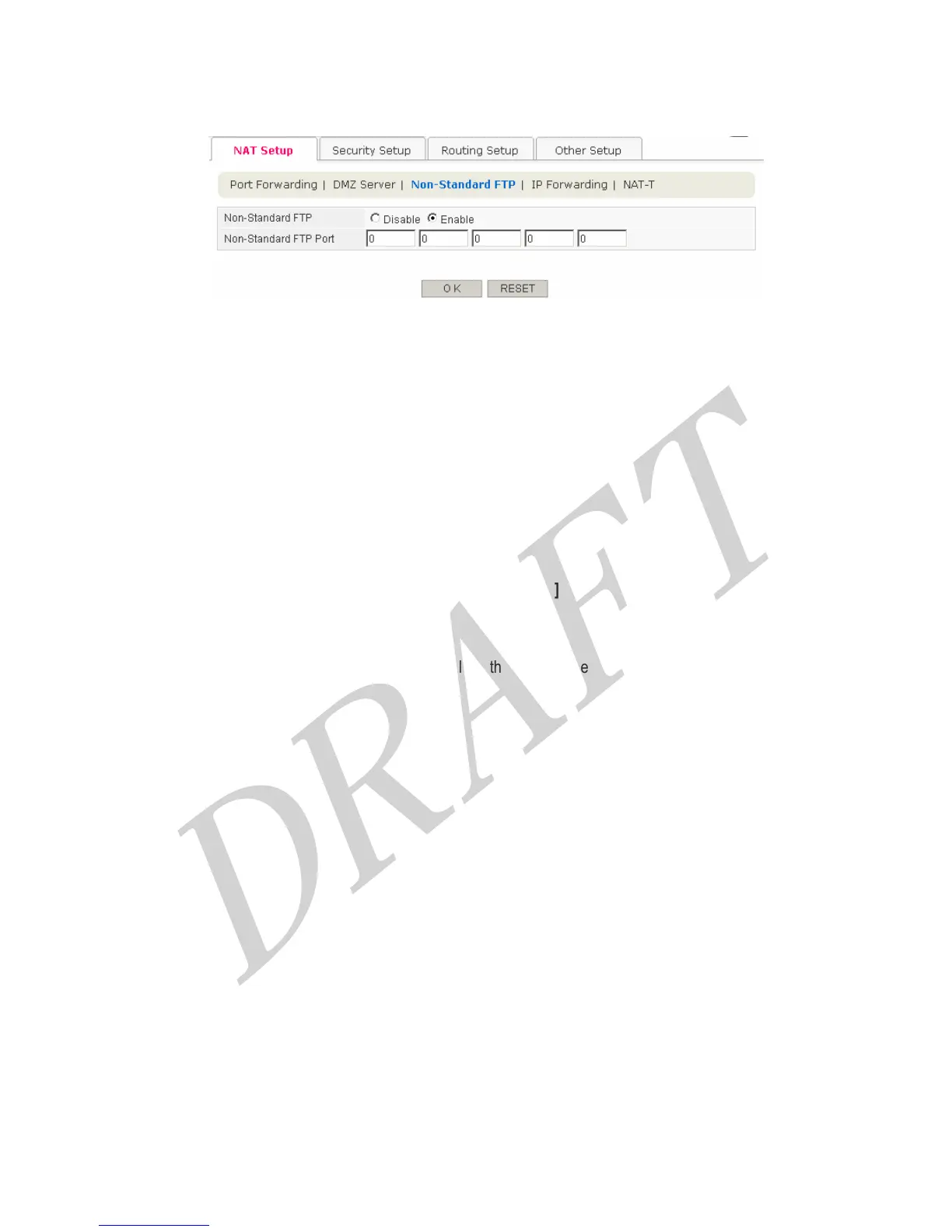
4.3.1.3 Non-Standard FTP
The feature allows to access to a remote FTP Server to WAN side using not standard 21 port but other port number
like 2121.
Configuration procedure is as follows,
1. Check ‘Enable’ at Non-Standard FTP field.
2. Enter the port number of remote FTP Server at Non-Standard FTP Port field.
3. Finally, click OK button for saving configurations.
[Button Descriptions]
● OK : Save the data on screen.
● RESET : discard any data you have entered and reload the file form the Router
35



 To Next Page